


Dictate a first draft
Speak directly into Google Docs, Notion, email, or another app where you write. Monologue adds punctuation and structure while you concentrate on the argument or story.
Monologue for writers
Dictate directly into the app where you write, or record an idea and return to it later. Monologue turns spoken thoughts into clear text and keeps longer notes available for the next draft.

Writing often starts before the document does: on a walk, after an interview, or while you are still working out what you think. Voice lets you capture the detail and momentum of that first thought before editing begins.
Speak directly into Google Docs, Notion, email, or another app where you write. Monologue adds punctuation and structure while you concentrate on the argument or story.
Record a walk, observation, or train of thought in Monologue Notes. The recording is transcribed and saved so you can find it when the piece begins to take shape.
Capture an interview, meeting, or call on Monologue Notes. Return to the transcript when you need the details, decisions, or language from the conversation.
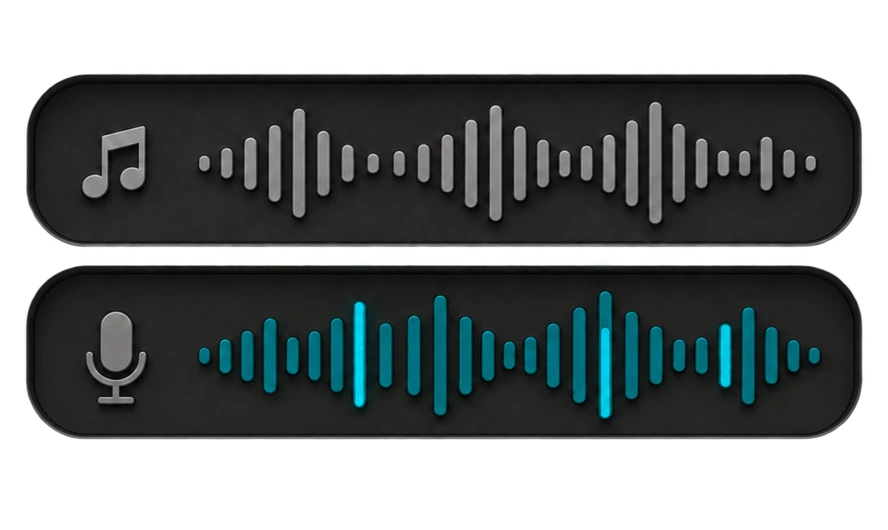
“I think the piece is really about why people wait until an idea is polished before they share it. Maybe begin with the walk, then explain how recording the rough version changes the writing process. The last section should be practical, not philosophical.”
Working outline:
1. Open with the idea that appeared on the walk.
2. Explain why people delay capturing unfinished thoughts.
3. Show how voice preserves detail before editing begins.
4. End with a practical method for turning recordings into drafts.
Correct a phrase or restart a sentence. Monologue can keep the final wording instead of leaving discarded phrases in the draft.
Use modes and custom instructions to make one dictation concise, another conversational, and another suitable for a longer document.
Teach Monologue the people, publications, products, and specialist terms that appear often in your work.
Use Monologue in Google Docs, Notion, email, publishing tools, and other apps where you type. Capture Notes on Mac, iPhone, iPad, or Apple Watch and return to them later.

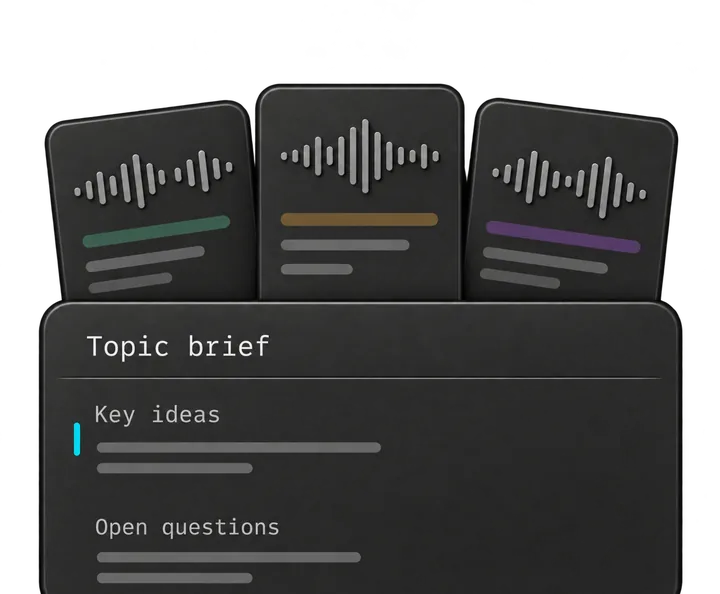
Connect saved Monologue Notes to supported AI tools through MCP, API, or CLI. An agent can retrieve the relevant transcript or summary and use it alongside the document you are developing.
“Find my latest note about voice and writing. Turn it into an outline, preserve the central argument, and identify the ideas that still need evidence.”
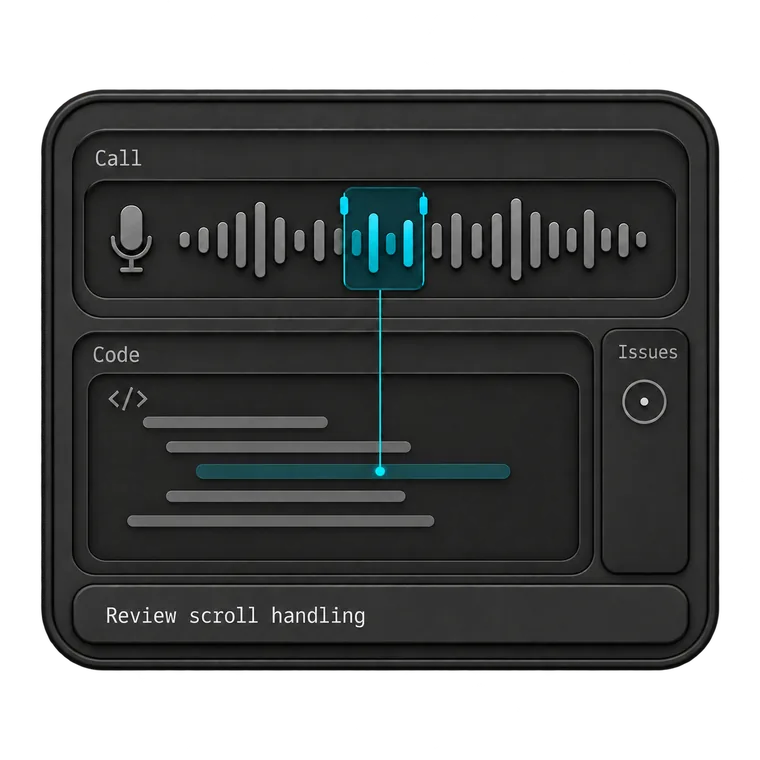
Give your coding agent the full context. Dictate prompts, describe bugs, and explain the changes you want to make.
Explore Monologue for developersTalk through a brief, capture customer interviews, and explain decisions to your team. Keep the details close as you turn them into specs and next steps.
Explore Monologue for product managers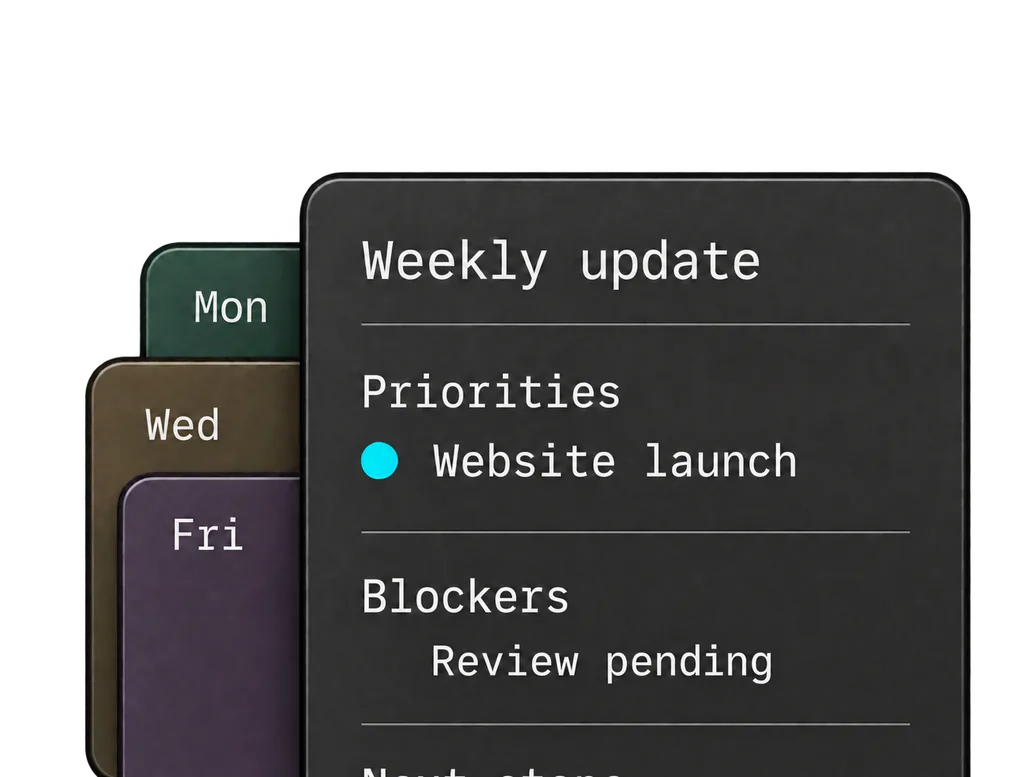
Dictate team updates, record decisions, and talk through ideas between meetings. Get your thinking down while it’s fresh.
Explore Monologue for founders and leaders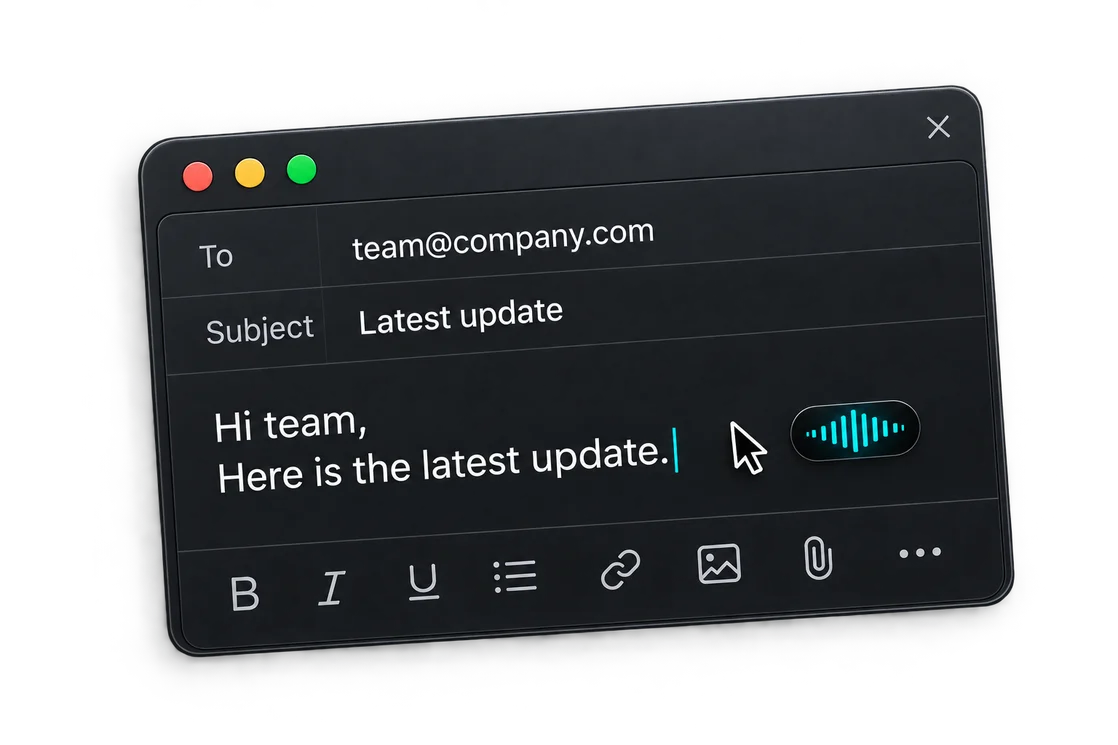
Capture support calls, dictate replies, and leave clear handoffs. Return to what the customer said when you need the details.
Explore Monologue for customer supportYes, especially for generating material and talking through structure. Many writers still prefer to revise closely with a keyboard after the first draft is on the page.
Use Dictation when you know where the words should go, such as a document or email. Use Notes when you want to capture a longer thought, interview, or conversation before deciding how it will be used.
Yes. Saved Notes can be retrieved by supported tools through MCP, API, or CLI after setup, allowing the transcript to become context for outlining, drafting, or revision.
Dictate the first version, or capture the idea before it slips away.