
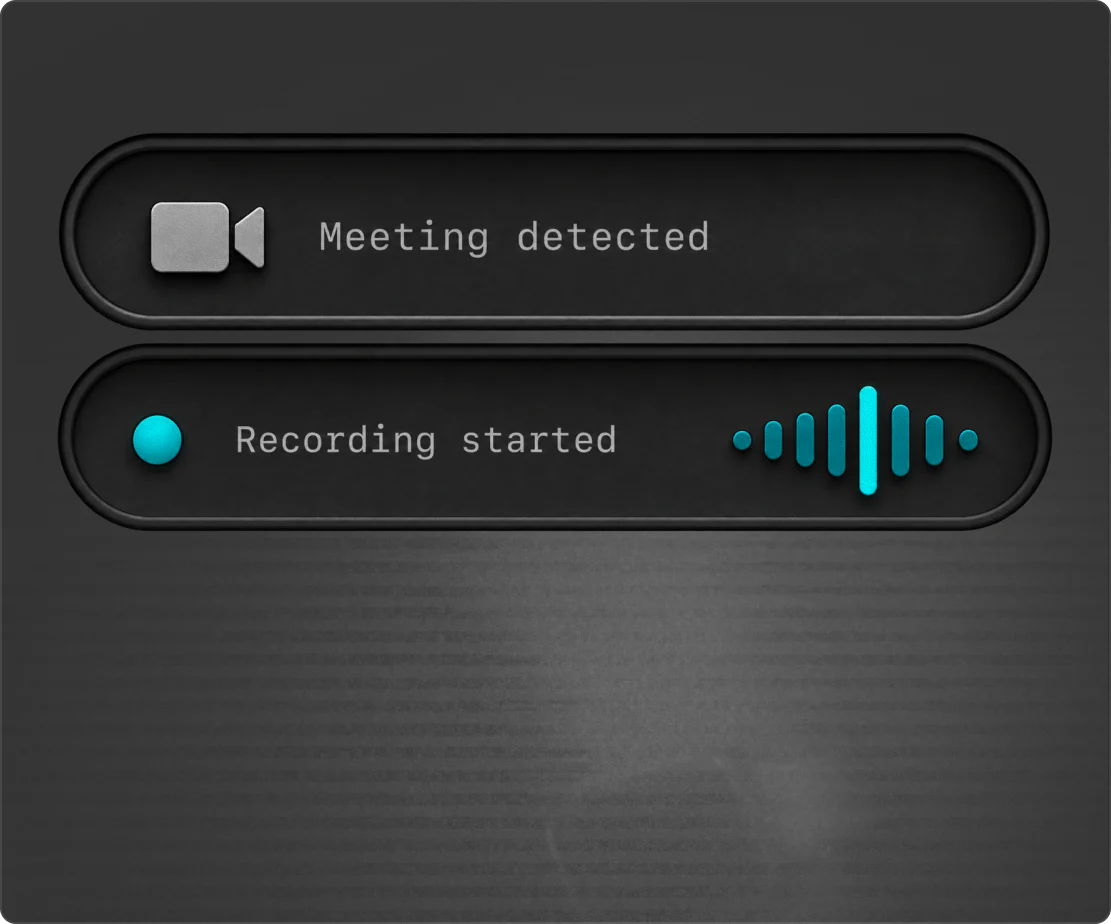
Spots your meetings
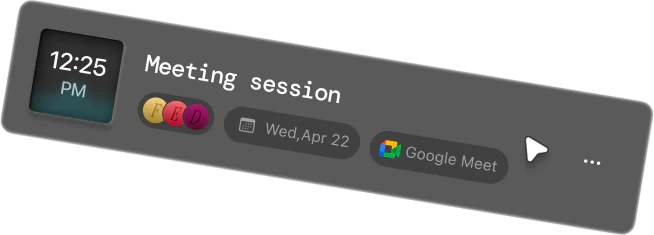
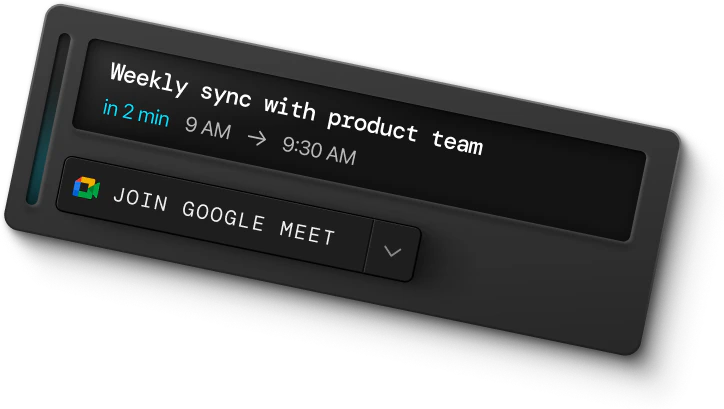
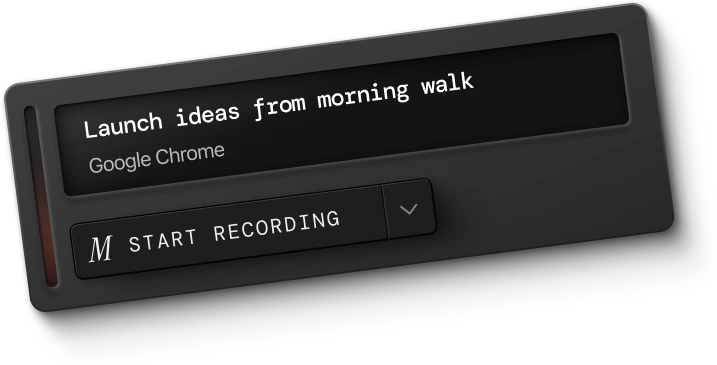
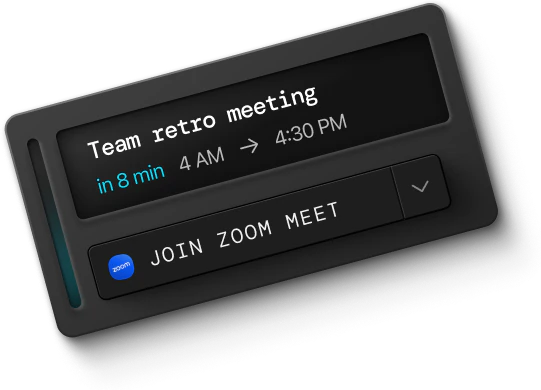
Monologue detects meetings on your Mac and reminds you to start recording—even when the call is not on your calendar.
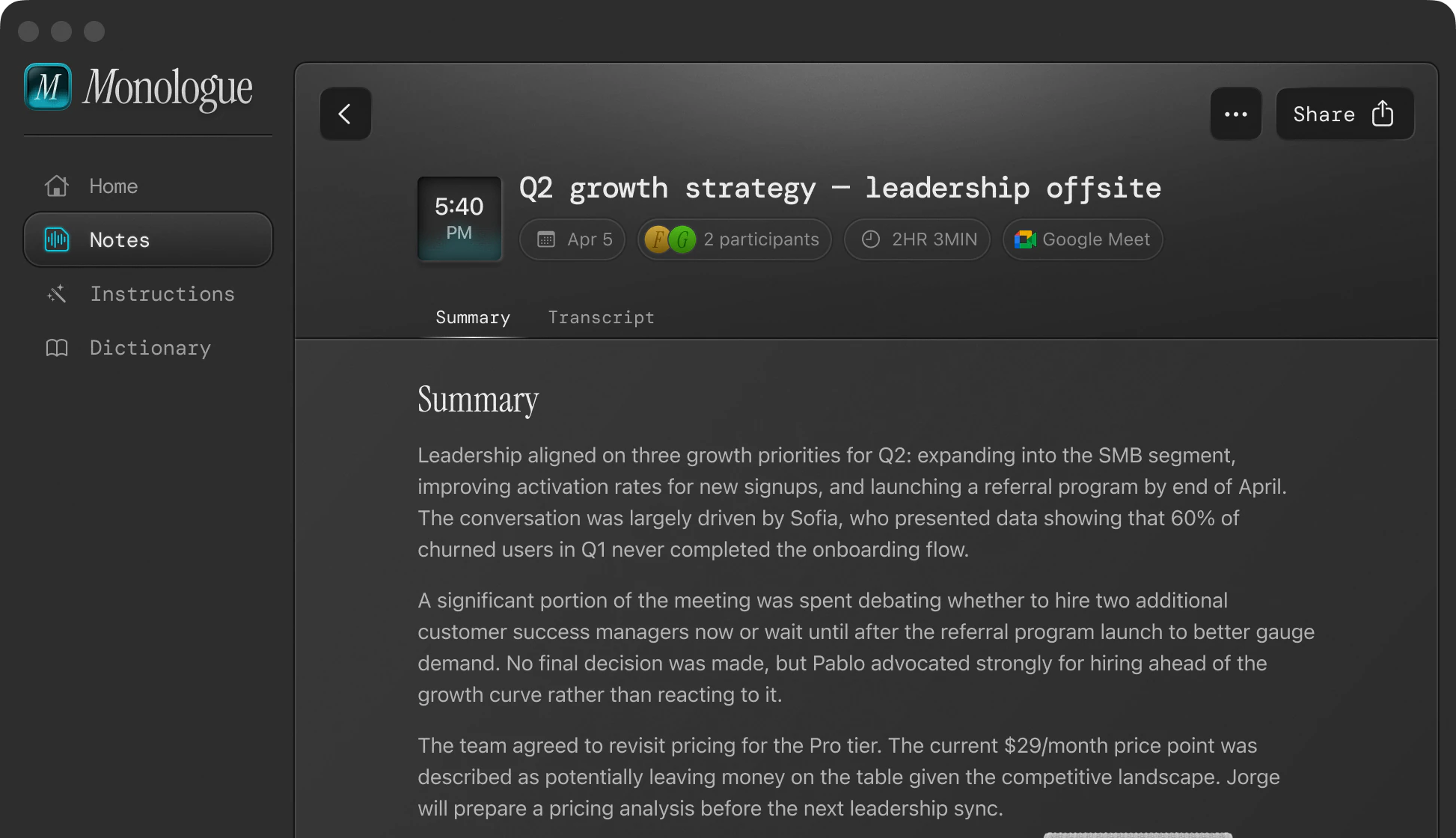
Record a personal voice note or capture a meeting without a bot. Monologue transcribes, summarizes, and keeps everything ready to find, share, or use.
Record a thought on a walk, save a quick reminder, or talk through something you are still working out. Monologue keeps the recording, transcript, and summary together so you can return to it later.
Capture conversations and calls without adding a bot to the meeting.
Monologue detects meetings on your Mac and reminds you to start recording—even when the call is not on your calendar.
Zoom, Google Meet, Teams, Slack Huddles, or an in-person conversation. Monologue captures the meeting without adding a bot.
Monologue records from your Mac, so no notetaking bot joins the call or appears in the participant list. The meeting continues as usual while Monologue captures the conversation.
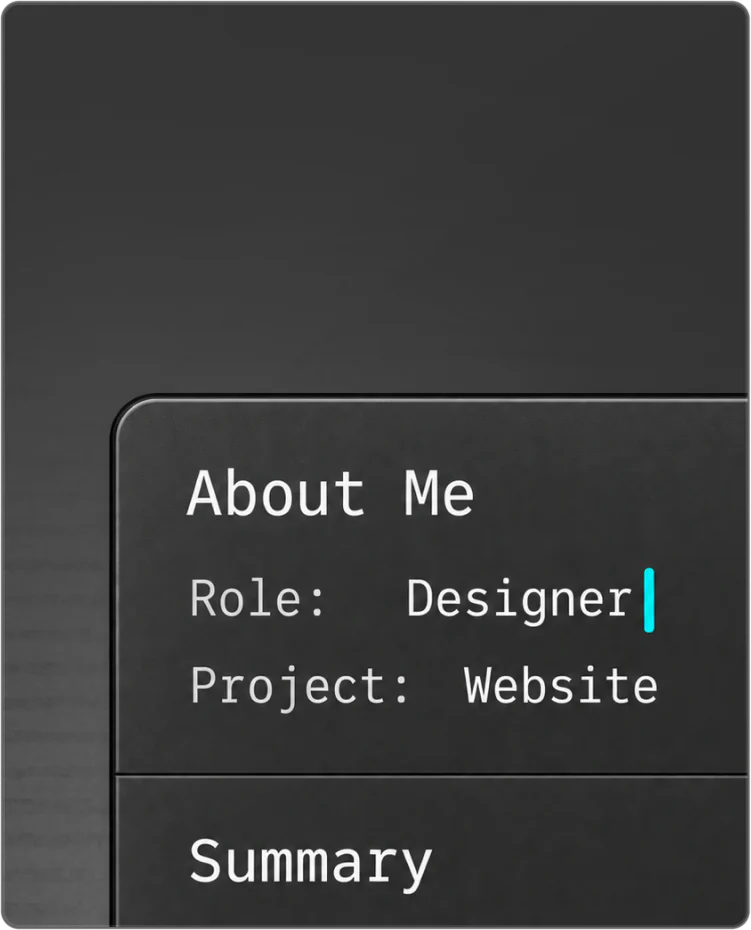
Tell Monologue about your role, projects, and terminology so future summaries focus on what matters to you.
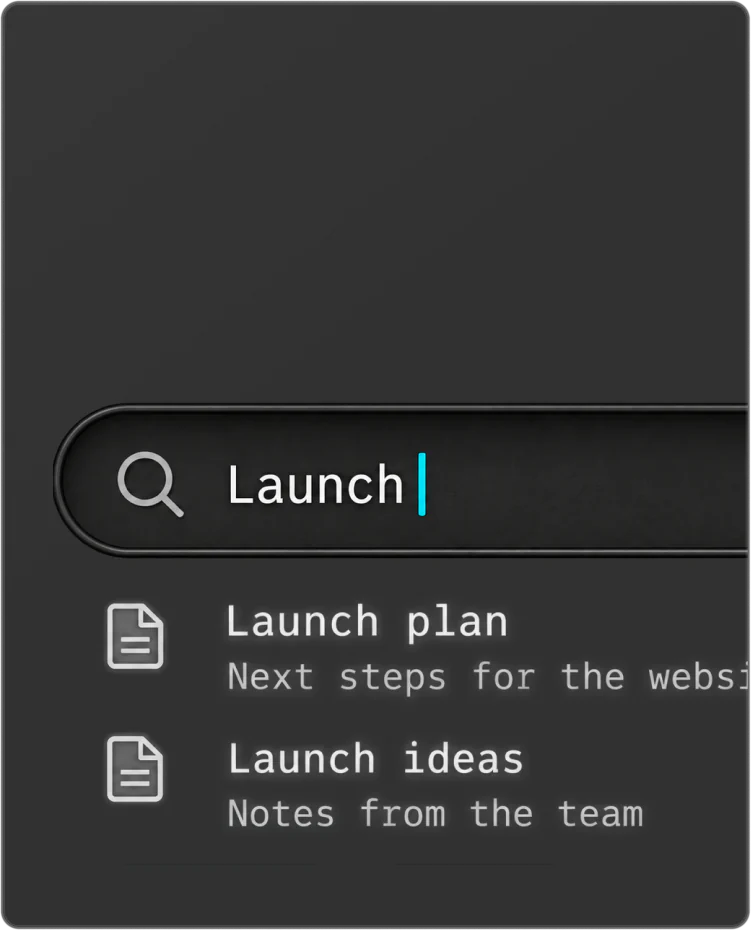
Search by title or content, and use tags to keep related notes together.
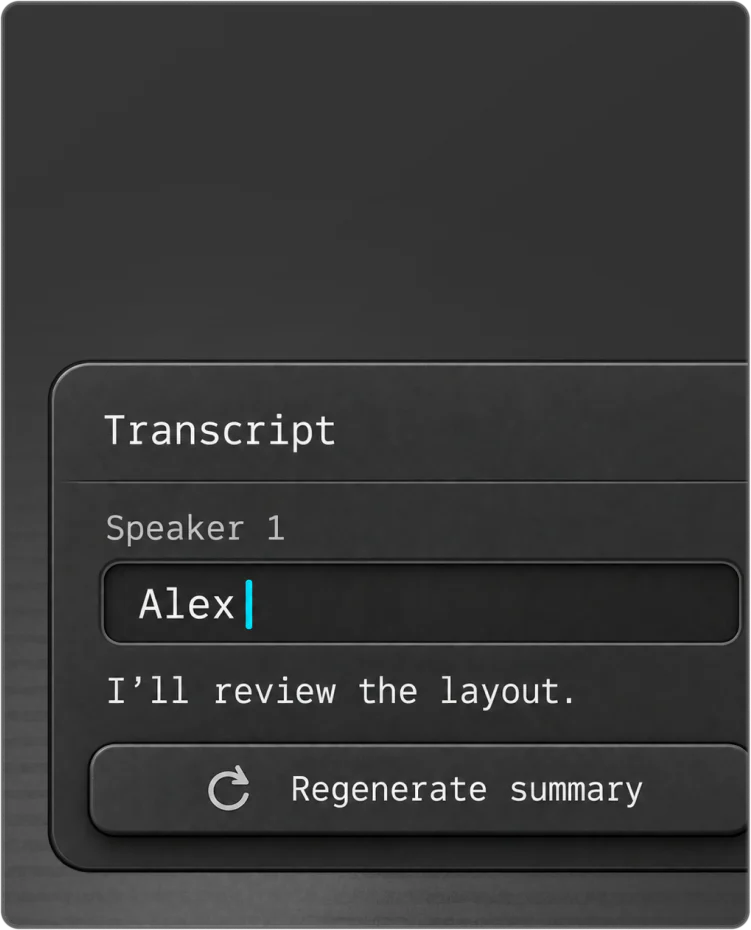
Name detected speakers, then regenerate the summary with the right names attached.
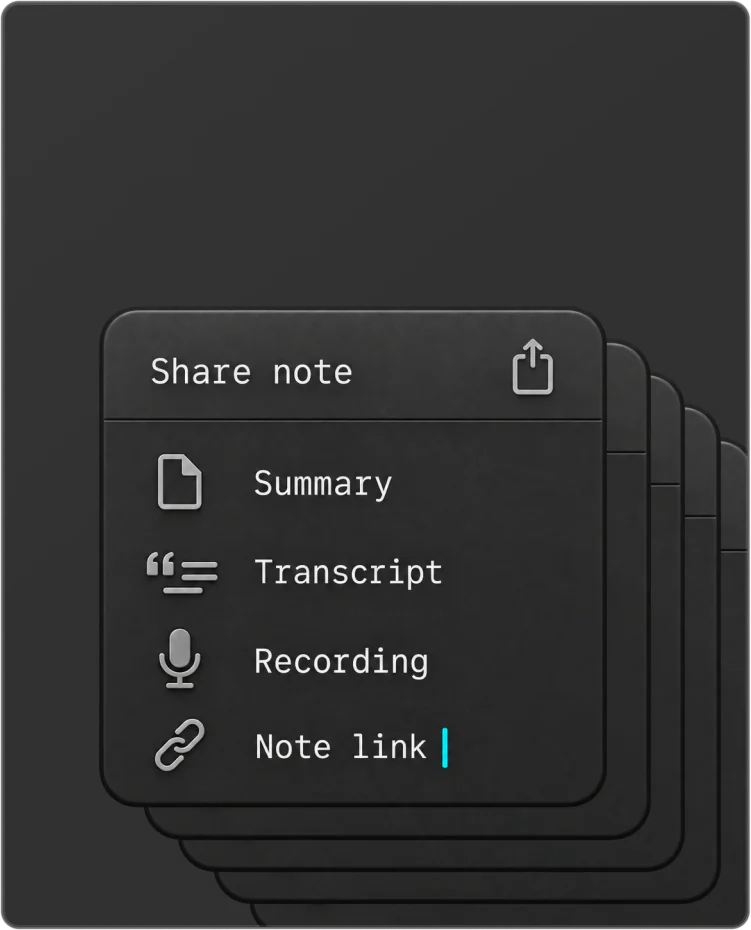
Copy or share the summary, transcript, recording, or a link to the note.
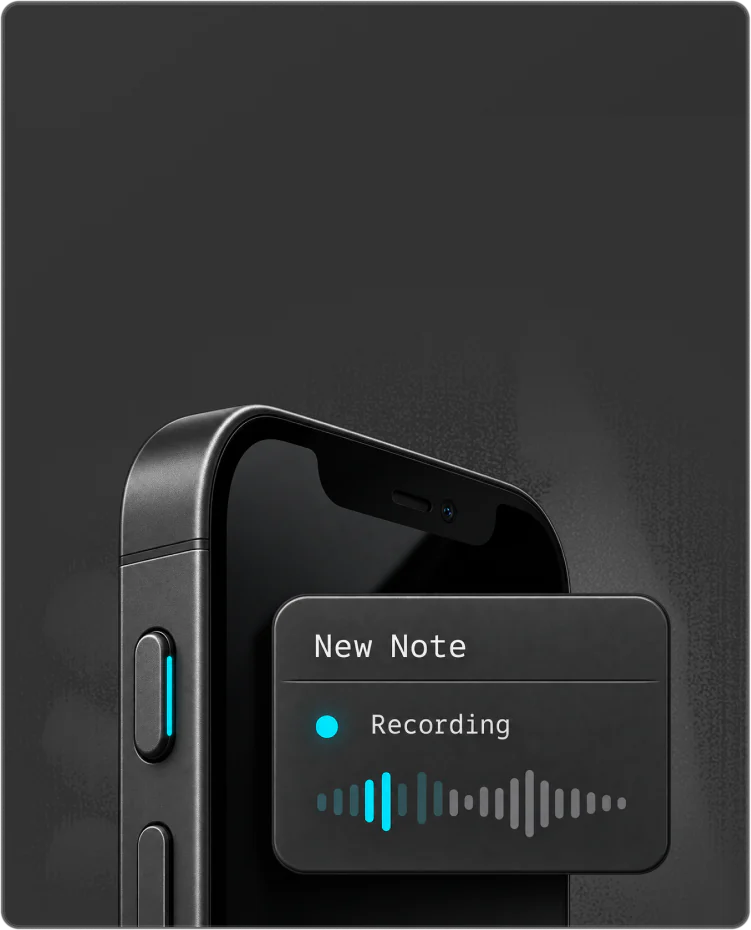
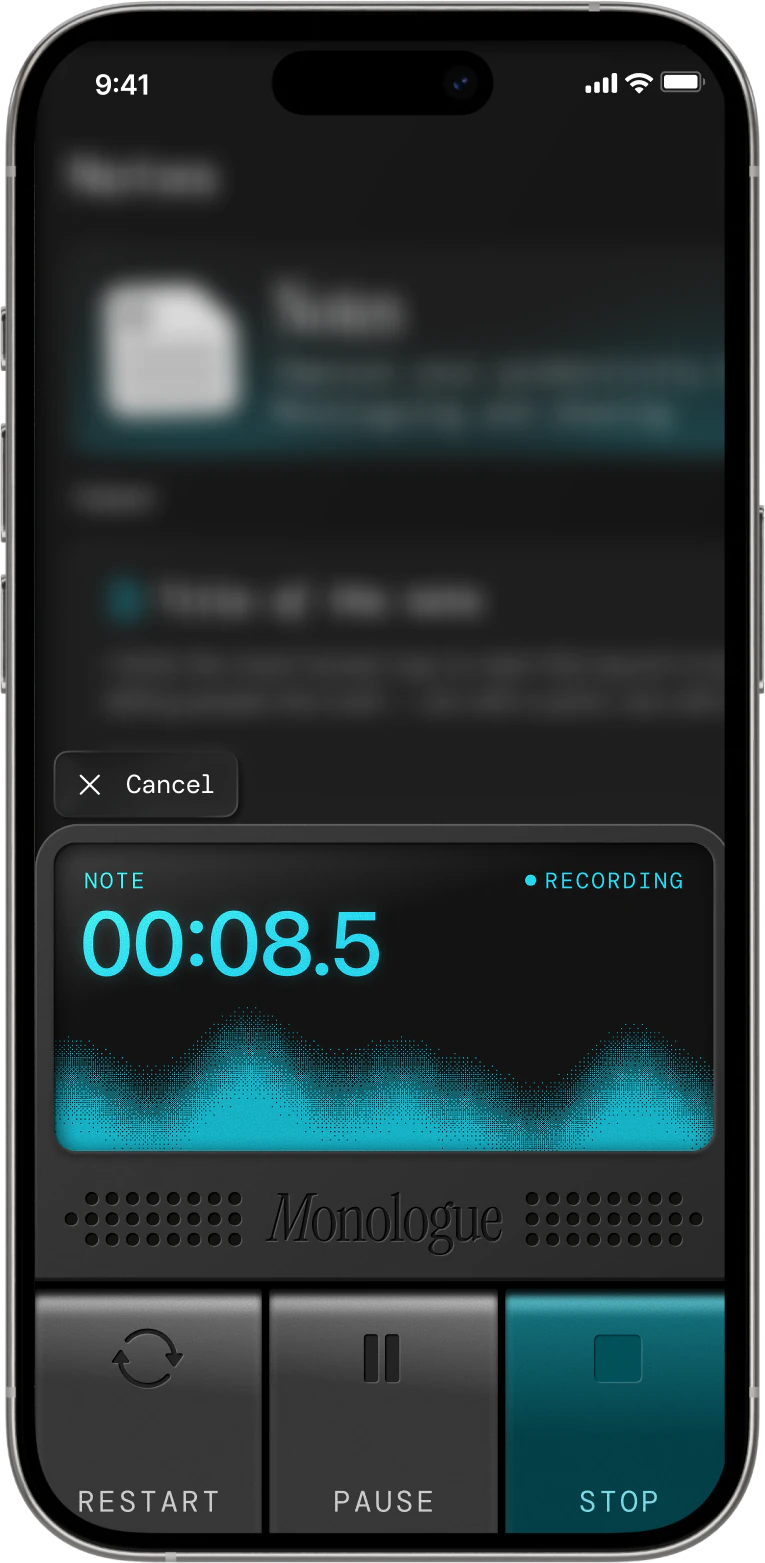
Start a new Note from Control Center or use the Action Button on your iPhone to begin recording through a Monologue shortcut.
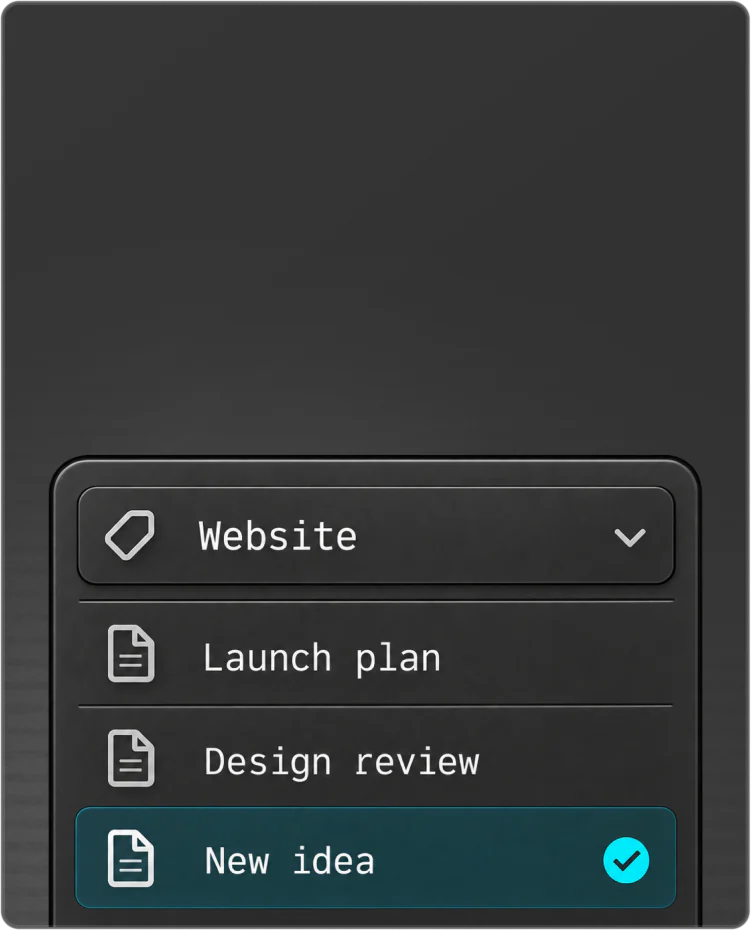
Create tags for projects or topics, and Monologue automatically adds the right ones after each Note is processed.
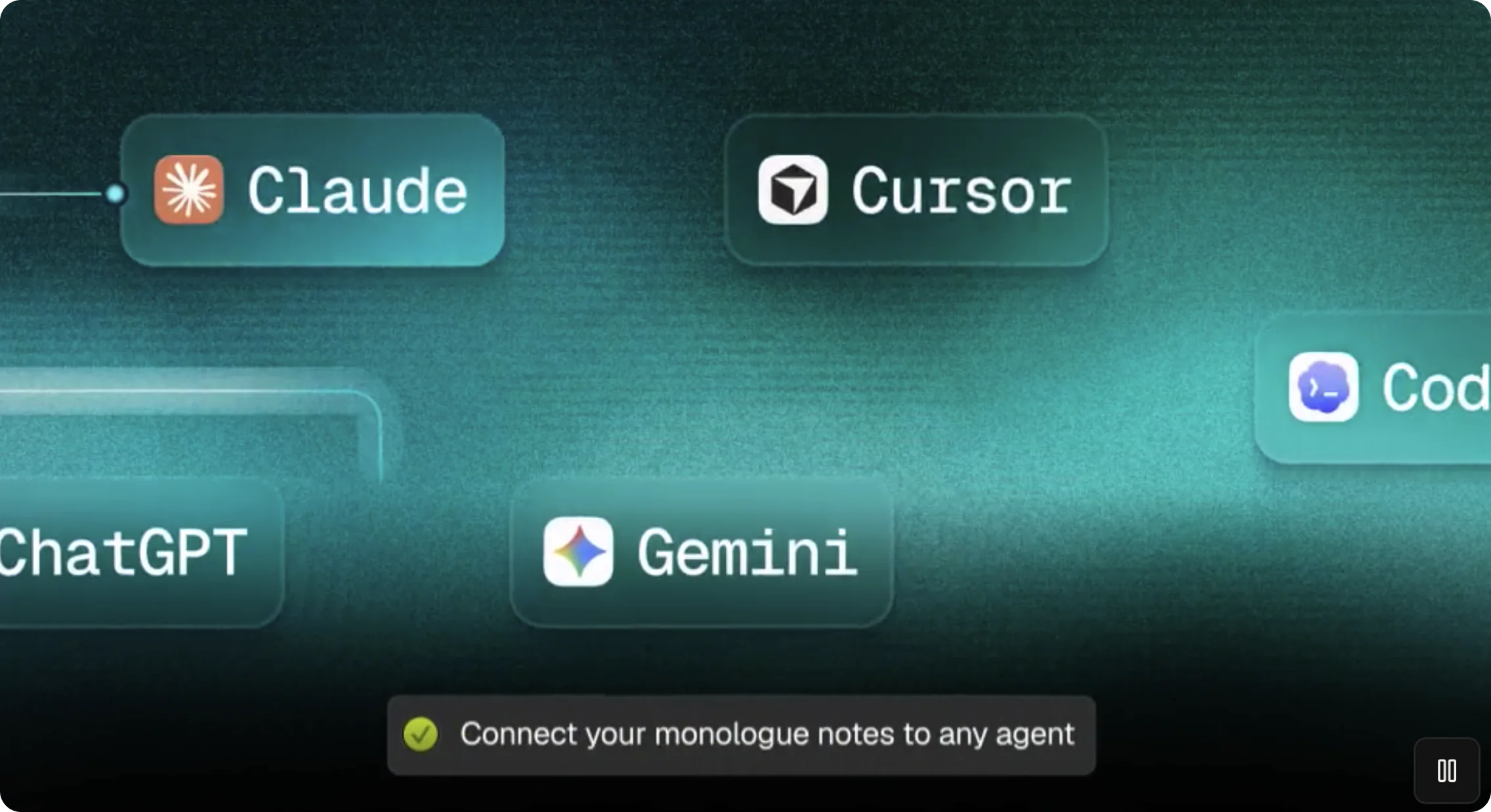
Connect your saved Notes to Claude, ChatGPT, Cursor, and your own workflows through MCP, API, CLI, and webhooks.
“Monologue has replaced Wispr Flow for me.”

Ben TossellFounder of MakerPad and Ben's Bites
Your saved Notes stay together across Monologue and the web.
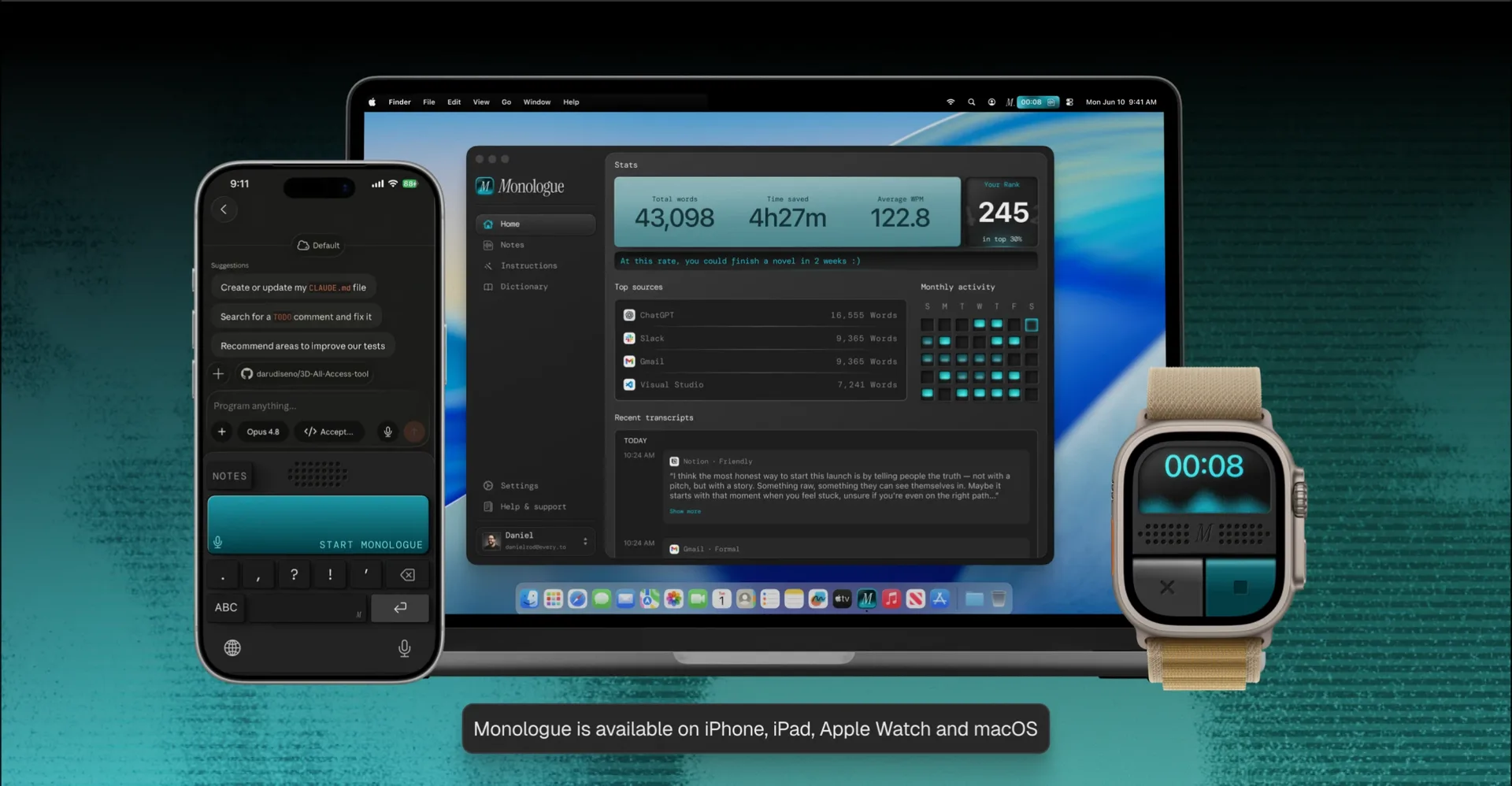
Your voice can do more than fill a text field. Keep a longer thought, capture a conversation, or bring what you have recorded into the tools where you work.
Effortless voice dictation that speaks your language. Speak about 3x faster than you type, with voice dictation that understands what you mean and turns rough speech into ready-to-use text.
Bring your saved Notes into your tools and AI agents. Search and retrieve transcripts and summaries through MCP, the Notes API, or the Monologue CLI.
Dictation inserts text into the app in front of you. A Voice Note is a recording you want to keep: Monologue saves the audio, then turns it into a transcript, a summary, and a speaker-separated conversation you can return to later.
No. On Mac, Monologue records from your computer, so no notetaking bot joins the call or appears in the participant list. It can record your microphone and system audio together to capture the other side of the conversation. System audio needs the optional Screen Recording permission; without it, Monologue records your microphone only.
Yes. On Mac, meeting detection notices when a supported calling app starts using the microphone and prompts you to start a Voice Note. You can turn it off, or silence it for selected apps, in Settings → Notes.
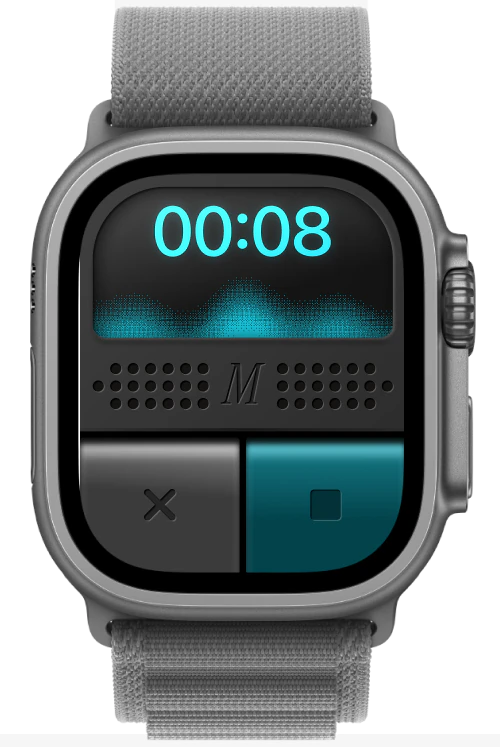
You can record Notes in the Monologue apps for Mac, iPhone, iPad, and Apple Watch. Saved Notes sync across your devices, and you can review, search, and manage them in the Monologue web app. The web app does not record new Notes.
Monologue uploads the recording and prepares a transcript, a summary, and speaker-separated audio when the recording supports them. You can name detected speakers, mark one as yourself, and regenerate the summary with the right names. Add your role, projects, and terminology to About Me to shape future summaries.
Search by title or content, and use tags to group Notes by project, person, or topic. After a Note is processed, Monologue can apply one of your existing tags when it is a strong match. It never creates new tags, and your manual changes are kept.
Yes. Depending on the device, you can copy or share the summary, the transcript, the recording, or a public link to the Note. Anyone who receives the link can open it. Choose Stop Sharing on the Note to turn the link off.
When you record a Note, Monologue stores its audio, transcript, and summary in your account so they can sync across your devices. Deleting a Note is permanent. Make sure everyone in a conversation knows it is being recorded, and follow the laws and policies that apply to you.
Yes. Connect AI apps through MCP, use the Monologue CLI in the terminal or with local agents, or build your own integration with the Notes API. Access is read-only: it can list, search, and retrieve Notes, but cannot edit or delete them. Where webhooks are enabled for your account, your server can be notified when a Note finishes processing.
Join thousands of builders who stopped typing
and started talking, only with Monologue