Smart cleanup
Removes false starts, repeated phrases, and filler words while keeping what you meant.
Work 3x faster with voice dictation that understands what you mean and turns rough speech into ready-to-use text.


Press the big blue button to try it for yourself
Press M and try it yourself
Available on macOS, iOS, iPadOS and watchOS
Used by builders at companies including
Removes false starts, repeated phrases, and filler words while keeping what you meant.

Get clean, consistent formatting based on what you are writing and what is on your screen.
Hi team,
We shipped the new onboarding,
and early activation is already
up 12%.
Best,
Naveen
 Gmail
GmailUse relevant text on your screen to understand what you are referring to and write a more useful result. With permission of course.

Revant11:55
Really need to give some kudos to @Anukshi for helping out with the new influx of tweets yesterday. People are really really excited about yesterday’s announcement.

Anukshi12:58
Meeting notes from our sync with @Lucas
Post
1/9 meeting notes
Last edited just now
Great work @Anukshi, big shout out to you
Finish speaking and let Monologue send the completed message or prompt, in the modes and apps where sending immediately makes sense.
Choose how Monologue writes for messages, email, coding, or any recurring task.

Switch languages in the same sentence. Monologue keeps up.
Teach the names, acronyms, replacements or import a dictionary from another voice tool.
“Monologue has replaced Wispr Flow for me.”

Ben TossellFounder of MakerPad and Ben's Bites
Remarkably accurate. Incredibly fast.
Monologue trained its model specifically for dictation, then built the rest of the product around it. Speech recognition, intelligent routing, the context around your work, and your personal vocabulary come together to deliver some of the fastest, most accurate dictation available.



Private enterprise access • In progress
Enterprise Dictation API
The model and infrastructure behind Monologue are also available through a private Enterprise API. Access is limited to approved customers so we can work closely with every team using it.
Request Enterprise API accessChoose the option that works for where you are and how you want to dictate.
Start speaking on the Apple device already with you.
Download for MacDownload for iOS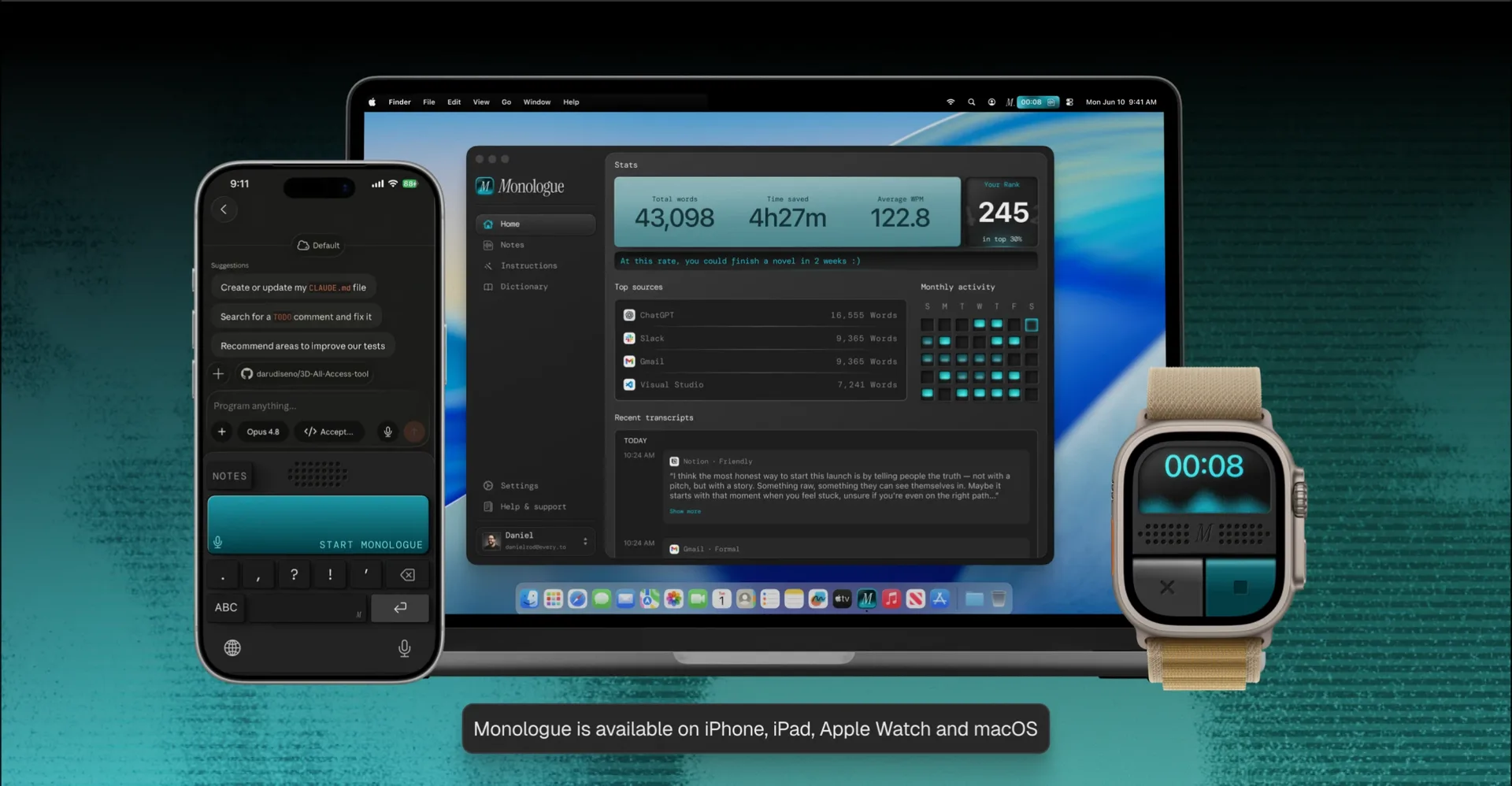
Monologue pays attention to the details that keep you moving: how recording starts, how the result is shaped, how you know it is working, and what happens when an app gets in the way.
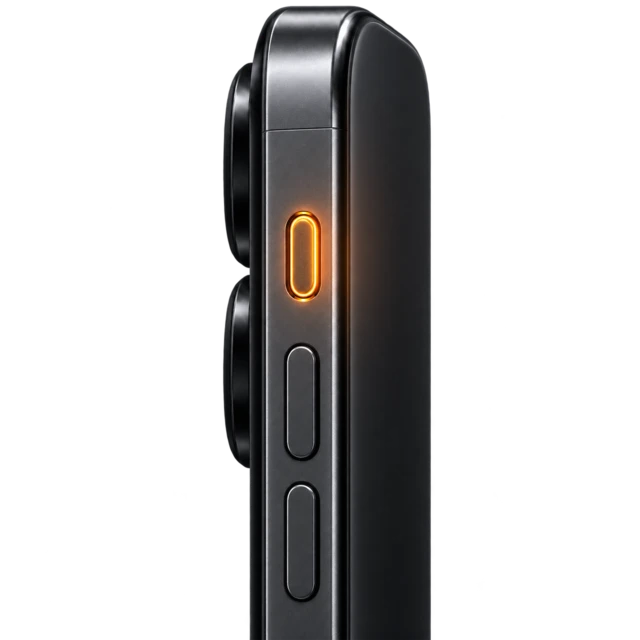
Use your mouse, iPhone Action Button, or Mac menu bar to start dictating in the way that feels most natural to you.
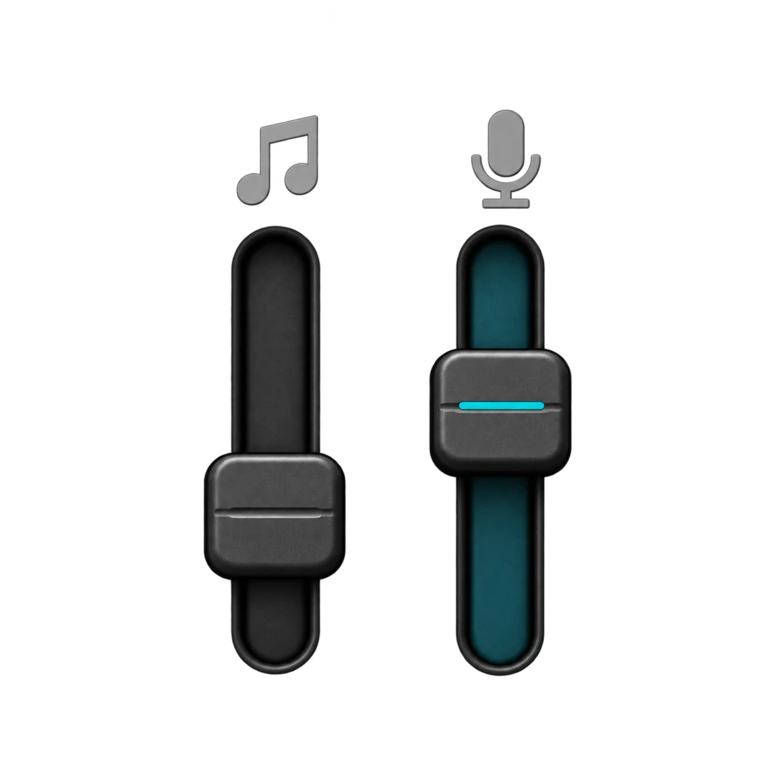
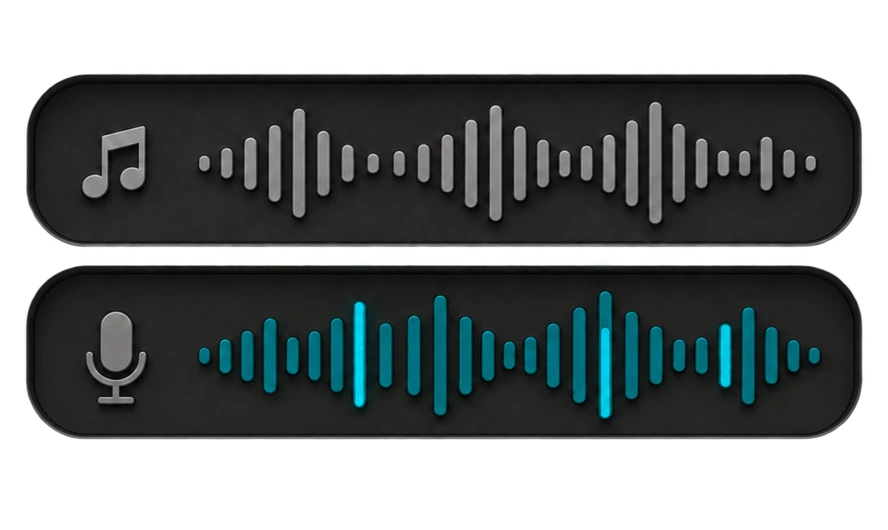
Keep your media playing, mute it, or pause it automatically while you dictate, whatever works best for your flow.
Choose your preferred microphone on Mac, and Monologue will prioritize it whenever it is connected.
Import custom words from supported voice tools, so you can start with the vocabulary you already use.
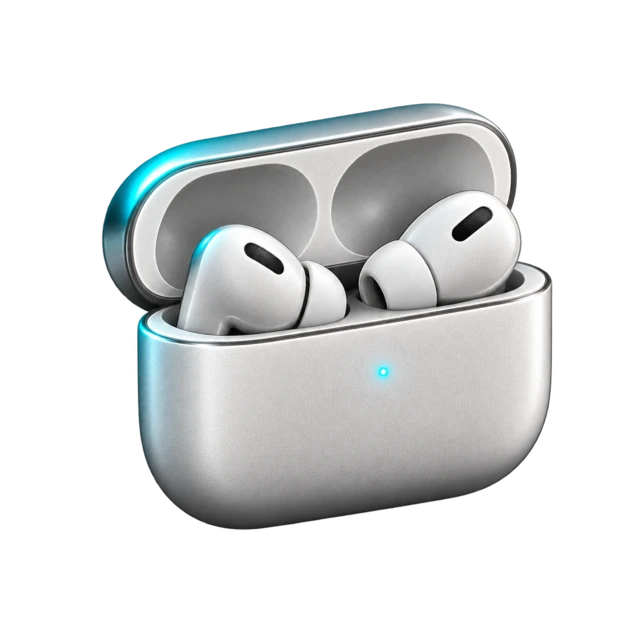
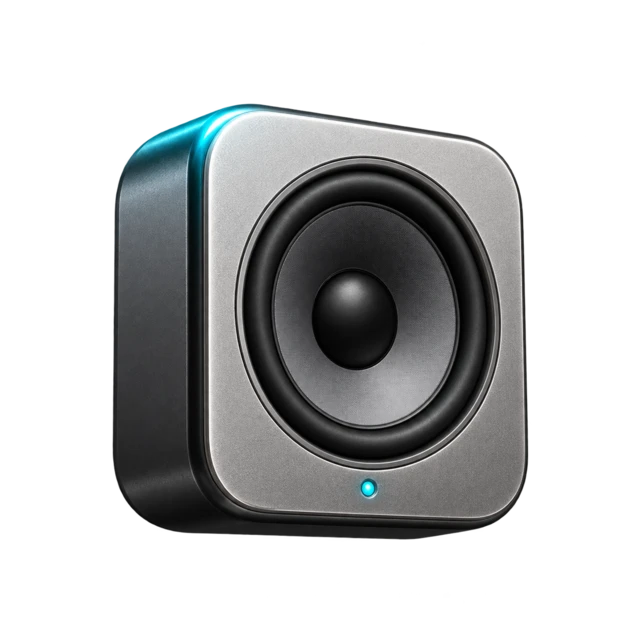
Use different media behavior for headphones, speakers, and other Mac outputs.
“Monologue has replaced Wispr Flow for me.”
Ben Tossell
Founder of MakerPad and Ben's Bites
“It’s the simplest voice to text app I’ve used! Instantly became a part of my personal productivity stack and has stuck.”

Wade Foster
Cofounder and CEO of Zapier
“Monologue is a true productivity game changer, and I love that it’s built on top of open models.”

Julien Chaumond
Cofounder and CTO of Hugging Face
“Monologue from Every is fantastic. It has been very helpful for bossing around Claude while bouncing a newborn.”

Nat Eliason
Building Founders School
“Monologue is a true productivity game changer, and I love that it’s built on top of open models.”
Julien Chaumond
Cofounder and CTO of Hugging Face
“Monologue from Every is fantastic. It has been very helpful for bossing around Claude while bouncing a newborn.”
Nat Eliason
Building Founders School
“Monologue has replaced Wispr Flow for me.”
Ben Tossell
Founder of MakerPad and Ben's Bites
“It’s the simplest voice to text app I’ve used! Instantly became a part of my personal productivity stack and has stuck.”
Wade Foster
Cofounder and CEO of Zapier
Your voice can do more than fill a text field. Keep a longer thought, capture a conversation, or bring what you have recorded into the tools where you work.
Record longer thoughts, conversations, and meetings. Monologue transcribes and summarizes them, then syncs them across your devices.
Bring your saved Notes into your tools and AI agents. Search and retrieve transcripts and summaries through MCP, the Notes API, or the Monologue CLI.
Built-in dictation transcribes what you say. Monologue also removes false starts and filler words, formats the result for the app you are in, remembers names and terms you use through a personal dictionary, and works the same way across every app on Mac, iPhone, and iPad.
Monologue processes dictation with an online service tuned for real speech, including false starts, accents, and mixed languages, plus a downloadable local model on Mac for offline transcription.
Yes. Monologue works system-wide on Mac, iPhone, and iPad, so you can dictate into Slack, Gmail, Notion, Google Docs, Figma, Messages, WhatsApp, and any other app where you can type.
Yes. Monologue dictates directly into your editor or terminal, and a dedicated coding mode preserves technical identifiers, code, and commands instead of auto-correcting them.
Yes. Download a local transcription model on Mac to dictate without an internet connection. Smart cleanup, context-aware formatting, and syncing across devices still require one.
Monologue supports 100+ languages, and you can switch languages in the middle of a sentence without missing a beat.
Monologue Dictation works on Mac, iPhone, iPad, and Apple Watch, with your personal dictionary and modes synced across all of them.
If the active app or text field changes before Monologue finishes, or the field cannot accept automated text, Monologue leaves the transcript on your clipboard and shows Copied so you can paste it in yourself.
Monologue offers a private-beta Dictation API for approved organizations doing batch or realtime transcription integrations. For everyday use, its MCP, API, and CLI access is built around your saved Notes.
Join thousands of builders who stopped typing
and started talking, only with Monologue
 Notion
 Slack
Slack