


Prompt coding agents
Describe a feature, bug, or refactor directly in Codex, Claude Code, Cursor, or another tool where you would normally type.
Monologue for developers
Speak detailed prompts into Codex, Claude Code, Cursor, and the rest of your development workflow. Monologue turns technical speech into clear instructions and helps your agents work with context you captured earlier.
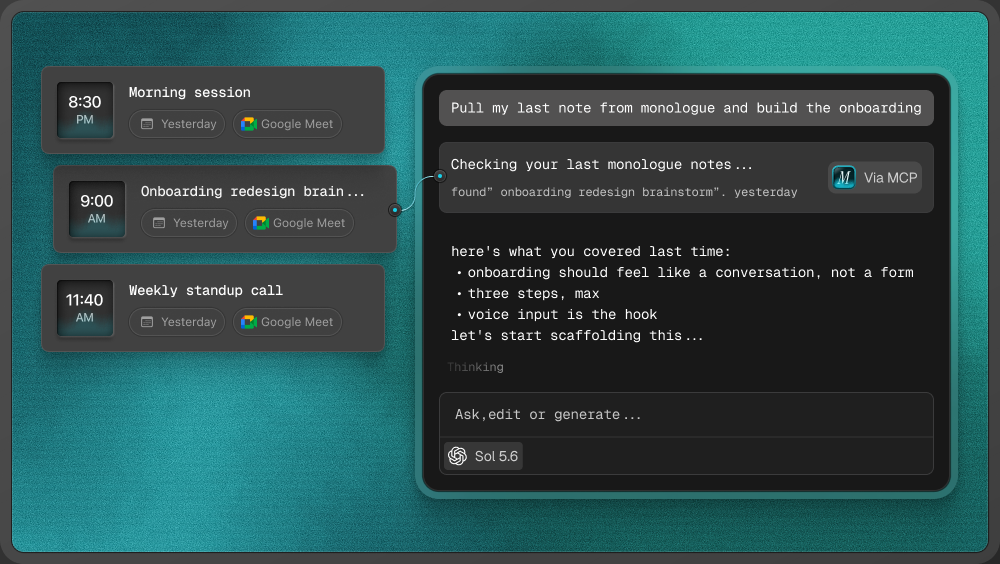
Developers rarely struggle to understand the task. The friction is turning everything they know—the problem, the relevant files, the edge cases, and the constraints—into a prompt detailed enough for an agent to use. Speaking makes it easier to give the agent the whole brief.
Describe a feature, bug, or refactor directly in Codex, Claude Code, Cursor, or another tool where you would normally type.
Dictate pull-request descriptions, issue reports, implementation notes, documentation, and detailed feedback while the context is still fresh.
Record a customer call, technical conversation, or architectural idea in Monologue Notes. A supported agent can retrieve the saved transcript later through MCP, API, or CLI.
Monologue does not write or modify code itself. It turns your spoken explanation into a useful prompt or technical brief. Your coding agent reads that instruction, works in the codebase, and produces the implementation for you to review.
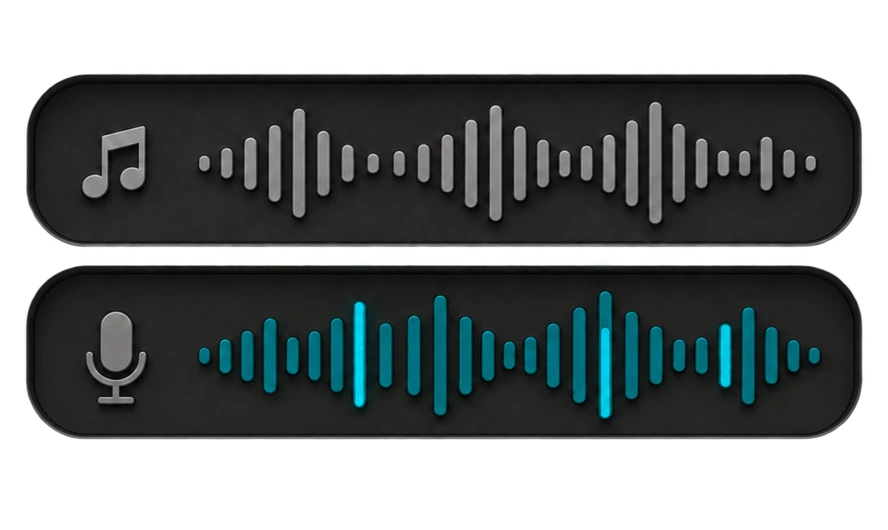
“In TodoList.tsx, add a loading state while the tasks are fetched. Keep the existing empty state. Actually, use the spinner that is already in the shared components folder, and do not change the API response.”
Update TodoList.tsx:
1. Add a loading state while tasks are being fetched.
2. Reuse the existing spinner from the shared components folder.
3. Preserve the current empty state.
4. Do not change the API response.
On Mac, Monologue can use the app and nearby code around your cursor to help with file names and technical terms.
Change your mind while speaking. Monologue keeps the final instruction instead of leaving every correction in the prompt.
Teach Monologue the names, acronyms, frameworks, and product terms you use repeatedly.
Use modes and custom instructions to control how Monologue structures coding prompts, technical notes, and other repeated work.
Dictate into Codex, Claude Code, Cursor, terminal agents, GitHub, Linear, Notion, Slack, and other places where you type.




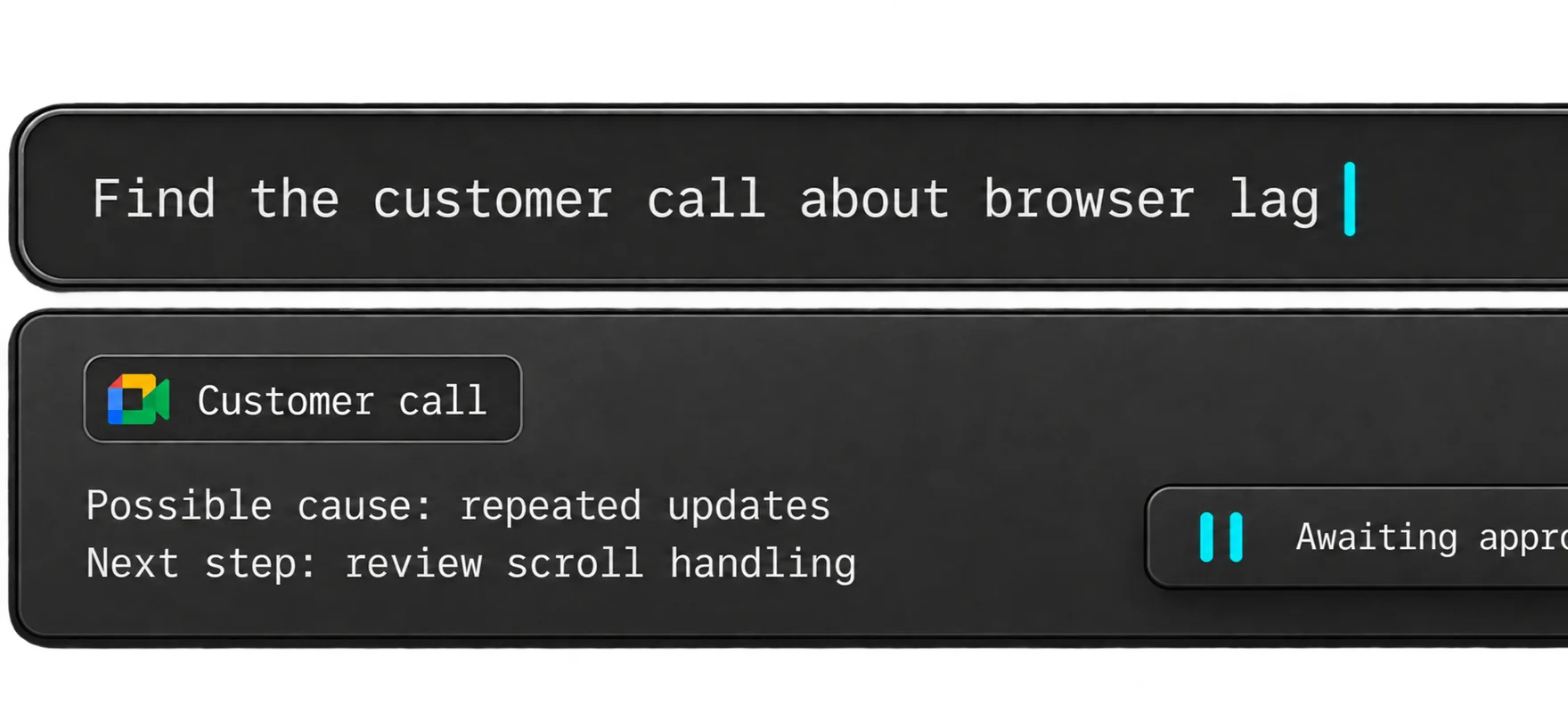
A customer call, technical discussion, or idea you recorded earlier can help explain what to build next. Connect Monologue Notes to a supported coding agent through MCP, API, or CLI so it can retrieve the relevant transcript and use it as context.
“Find my latest note about onboarding. Use it to propose an implementation plan, and flag anything we still need to decide.”

Start with what you want to say. Dictate first drafts, capture ideas on a walk, and return to recorded interviews as you write.
Explore Monologue for writers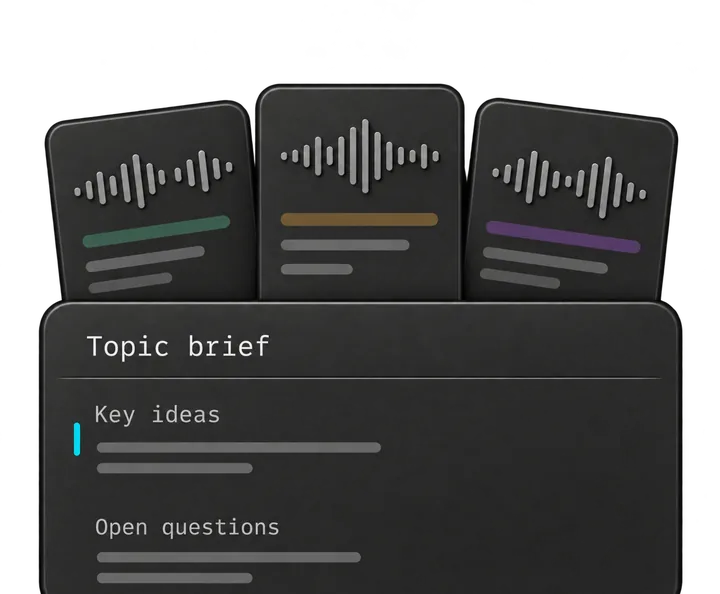
Talk through a brief, capture customer interviews, and explain decisions to your team. Keep the details close as you turn them into specs and next steps.
Explore Monologue for product managers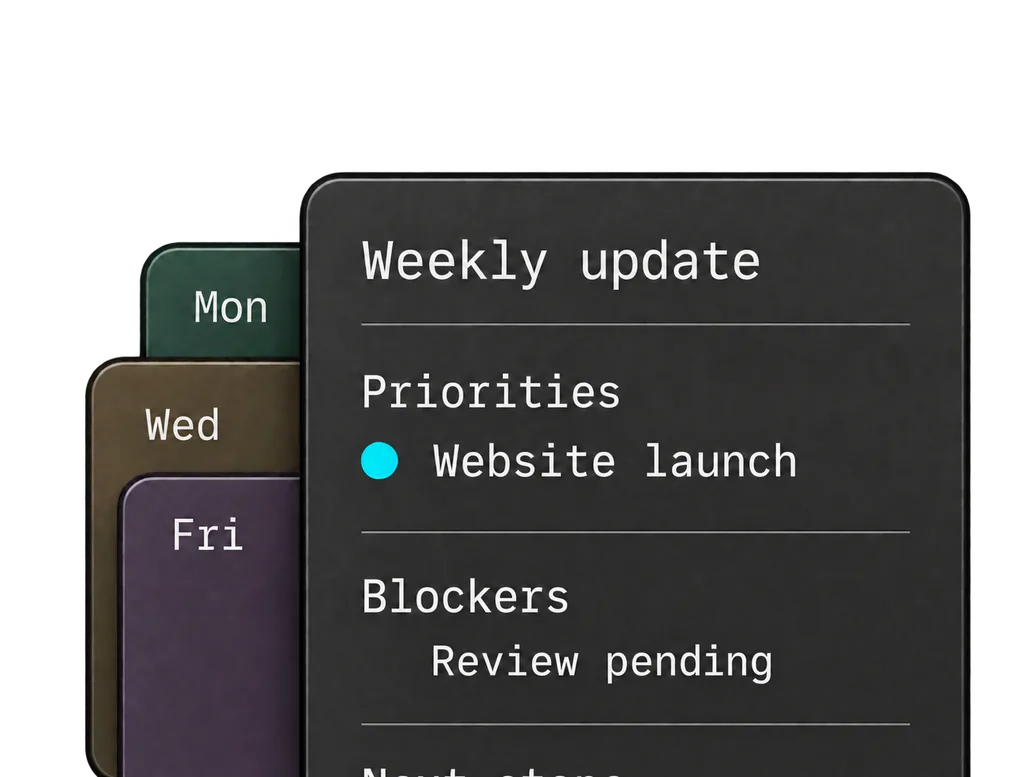
Dictate team updates, record decisions, and talk through ideas between meetings. Get your thinking down while it’s fresh.
Explore Monologue for founders and leaders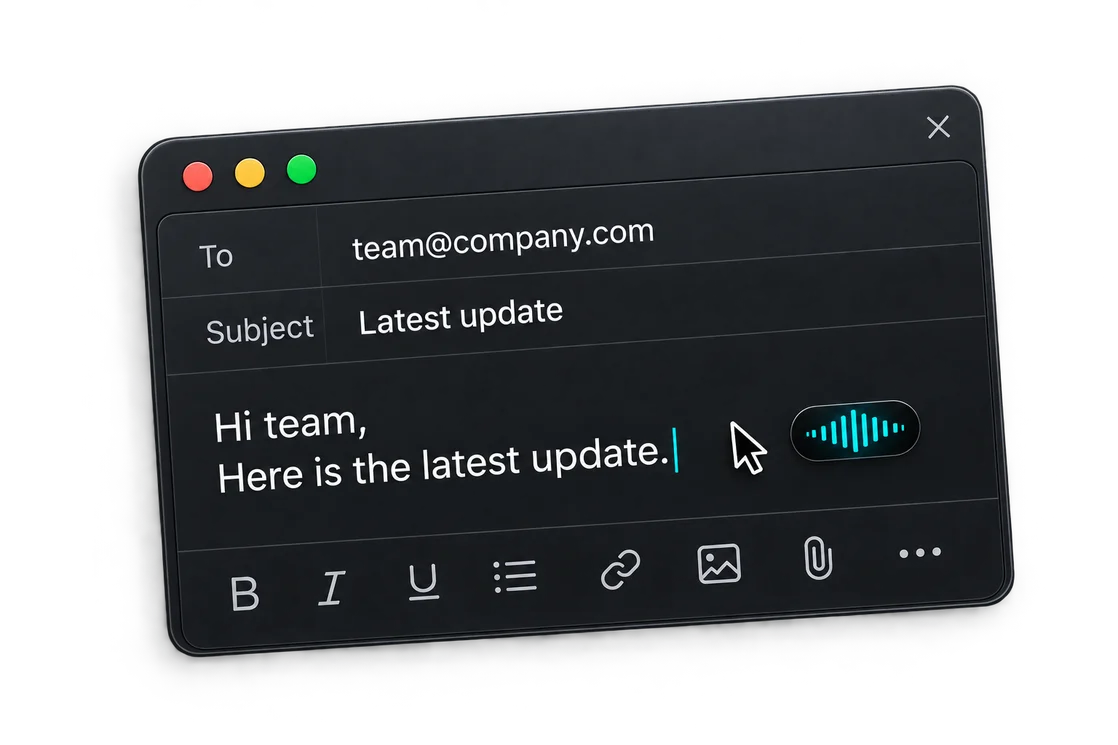
Capture support calls, dictate replies, and leave clear handoffs. Return to what the customer said when you need the details.
Explore Monologue for customer supportYes. Monologue can dictate into the fields where you already prompt these tools. Saved Monologue Notes can also be made available to supported agents through MCP, API, or CLI after setup.
On Mac, Monologue can use nearby code and app context to help with technical language and file names. Its dictionary can also learn names, acronyms, and terms you use repeatedly.
Local dictation models on Apple silicon Macs can turn speech into text without an internet connection. Smart formatting, syncing, and connected agent workflows still require connectivity.
Dictate your next prompt, bug report, or pull-request description.