


Write and communicate
Dictate emails, team updates, feedback, strategy notes, and longer prompts directly into the apps where you work.
Monologue for founders and leaders
Capture decisions, dictate updates, record conversations, and keep important context available to your AI tools. Monologue helps founders move quickly without losing the reasoning behind the work.
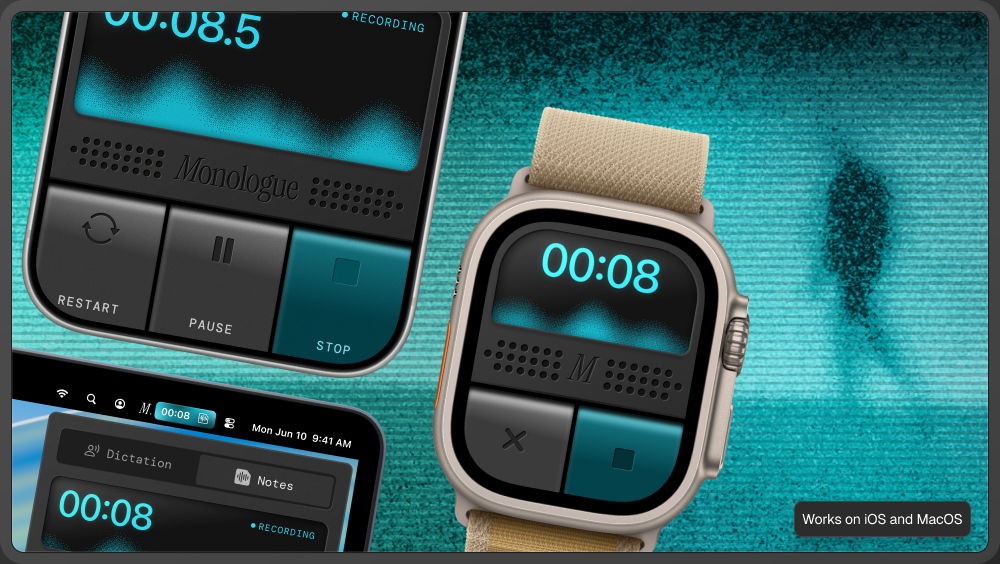
A founder’s work moves between planning, writing, meetings, product questions, and conversations with customers or the team. Monologue lets you speak when that is the fastest way to preserve the context, then shape the result for the place it needs to go.
Dictate emails, team updates, feedback, strategy notes, and longer prompts directly into the apps where you work.
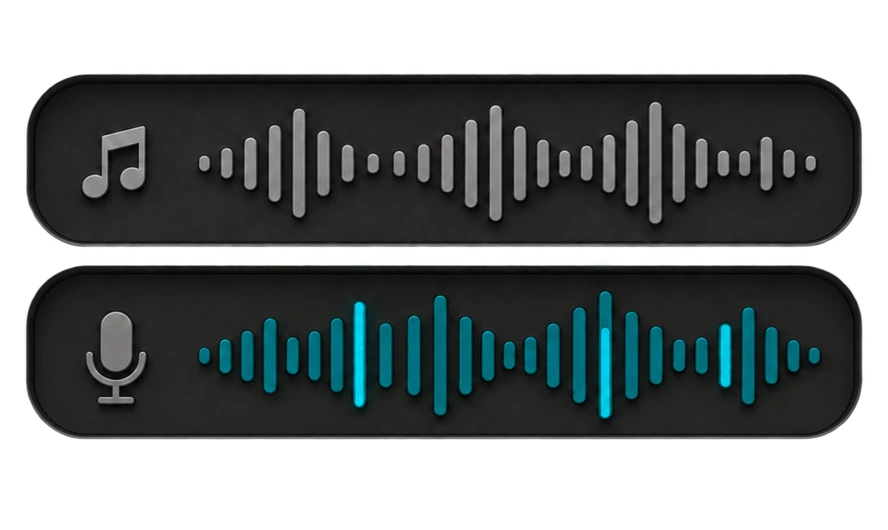
Record meetings and calls on Mac without adding a bot. Keep the transcript and summary so the decision, reasoning, and next steps do not disappear when the meeting ends.
Record a voice note on a walk or between meetings from Mac, iPhone, iPad, or Apple Watch. Return to it when you are ready to decide, write, or delegate.
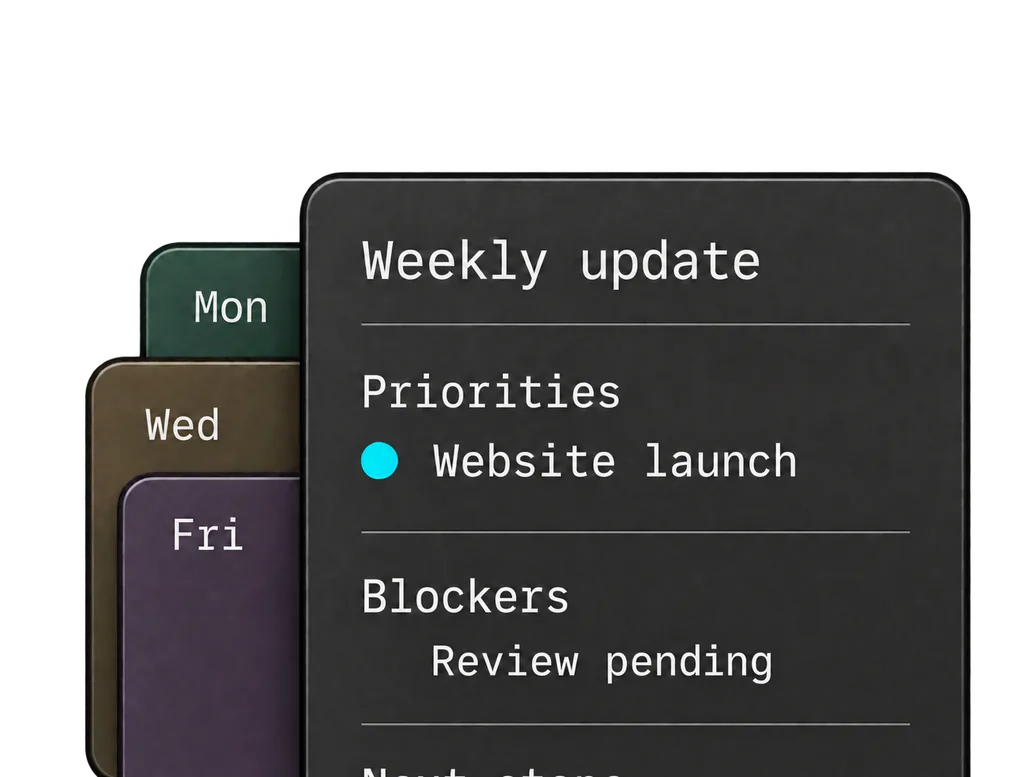
With a mode or custom instruction for team updates, Monologue can organize the priorities you dictate into a working draft.
“This week, focus on the onboarding launch. Maya owns the rollout checklist. Actually, Priya owns it. We still need the activation numbers before deciding whether to expand the rollout. Keep the team plan work out of scope until we have those results.”
Priority: Focus on the onboarding launch this week.
Owner: Priya owns the rollout checklist.
Decision pending: Review the activation numbers before expanding the rollout.
Out of scope: Team plan work until those results are available.
Teach Monologue teammate names, customer names, product terms, and company acronyms that appear in your updates.
Correct an owner or revise a priority as you speak. Monologue can keep the final wording instead of leaving each false start in the message.
Use modes and custom instructions for a concise team update, a conversational email, or a longer strategy note. Set the style and structure for the text you dictate.
Dictate emails, updates in Slack, and plans in Google Docs or Notion. Speak longer prompts into your AI tools where you would normally type. Record meetings on Mac, or capture an idea between meetings on iPhone, iPad, or Apple Watch.



A planning meeting, customer conversation, or idea recorded on a walk can inform the next update. Connect Monologue Notes to a supported AI tool through MCP, API, or CLI so it can retrieve the relevant transcripts and summaries after setup.
“Find my notes from this week’s planning and customer calls. Draft a team update with confirmed decisions, open questions, and agreed next steps. Show which note supports each point, and do not assign an owner or deadline unless it is in the source.”
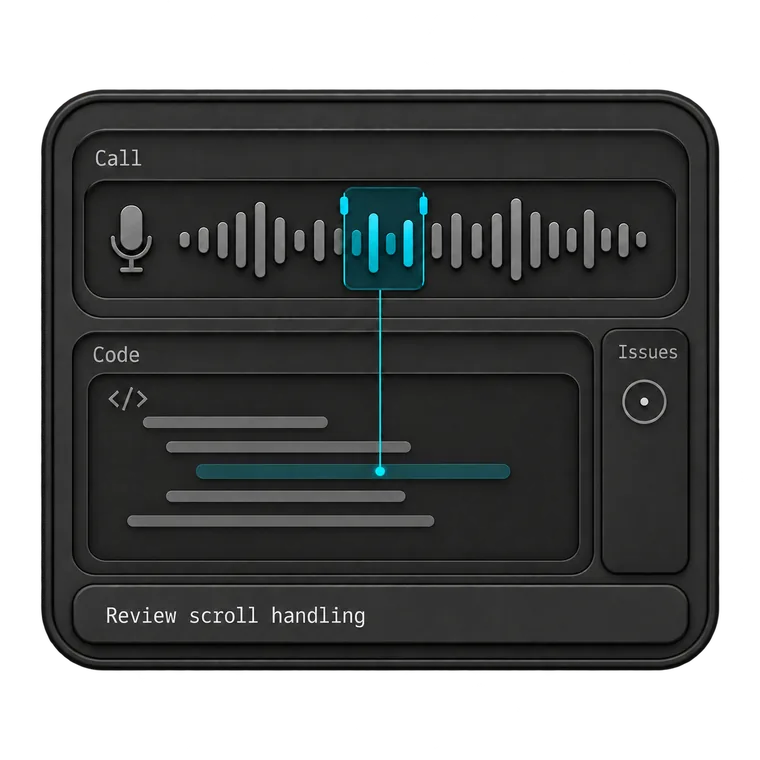
Give your coding agent the full context. Dictate prompts, describe bugs, and explain the changes you want to make.
Explore Monologue for developers
Start with what you want to say. Dictate first drafts, capture ideas on a walk, and return to recorded interviews as you write.
Explore Monologue for writers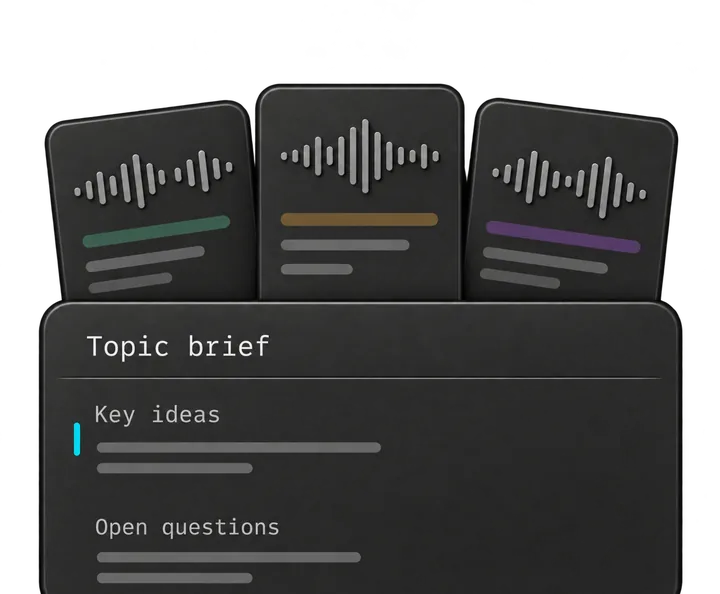
Talk through a brief, capture customer interviews, and explain decisions to your team. Keep the details close as you turn them into specs and next steps.
Explore Monologue for product managers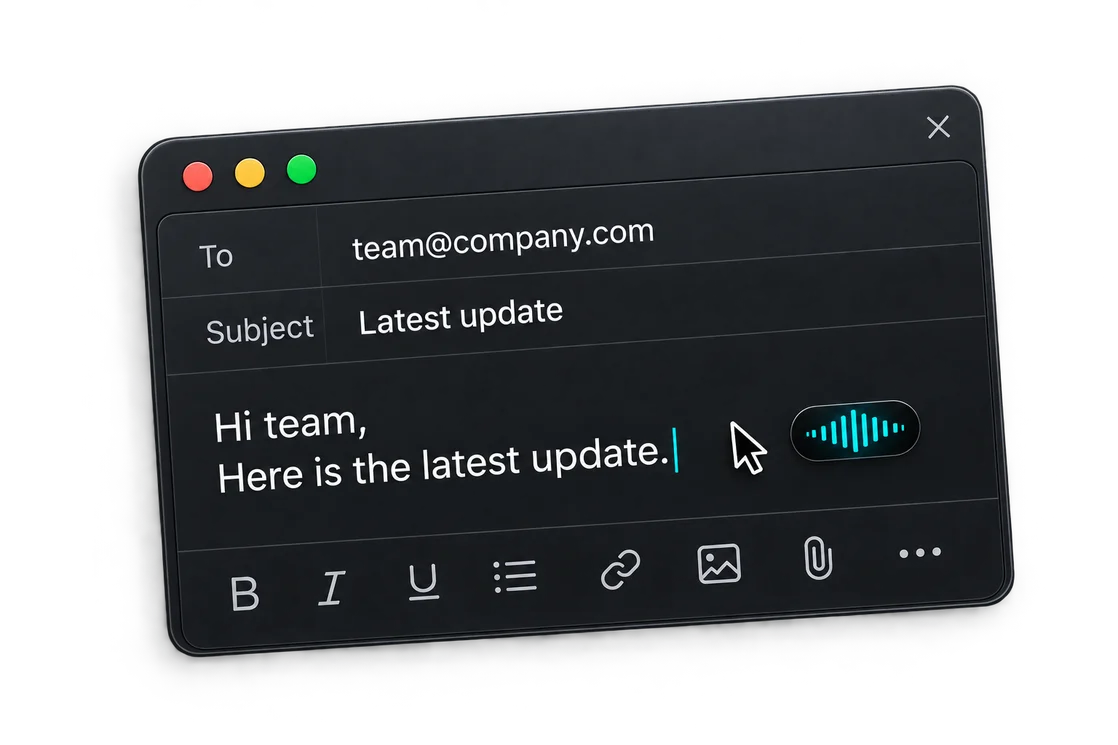
Capture support calls, dictate replies, and leave clear handoffs. Return to what the customer said when you need the details.
Explore Monologue for customer supportYes. Dictation writes into the app at your cursor. Notes records longer thoughts and conversations so you can return to the transcript and summary later.
No. On Mac, Monologue can capture your microphone and system audio after you grant permission, without adding a separate participant to the call.
Yes. Supported tools can retrieve saved Notes through MCP, API, or CLI after setup. Access is read-only, so the connected tool can use the context without changing the note.
Dictate the next team update, or capture an idea between meetings.