


Write product briefs and specs
Talk through the problem, user, scope, constraints, open questions, and success criteria. Monologue turns the explanation into structured text you can refine in your document or product tool.
Monologue for product managers
Dictate a product brief, capture customer conversations without a meeting bot, and bring saved context into your AI tools. Monologue helps product managers move from a spoken idea or interview to a spec, decision, or follow-up.
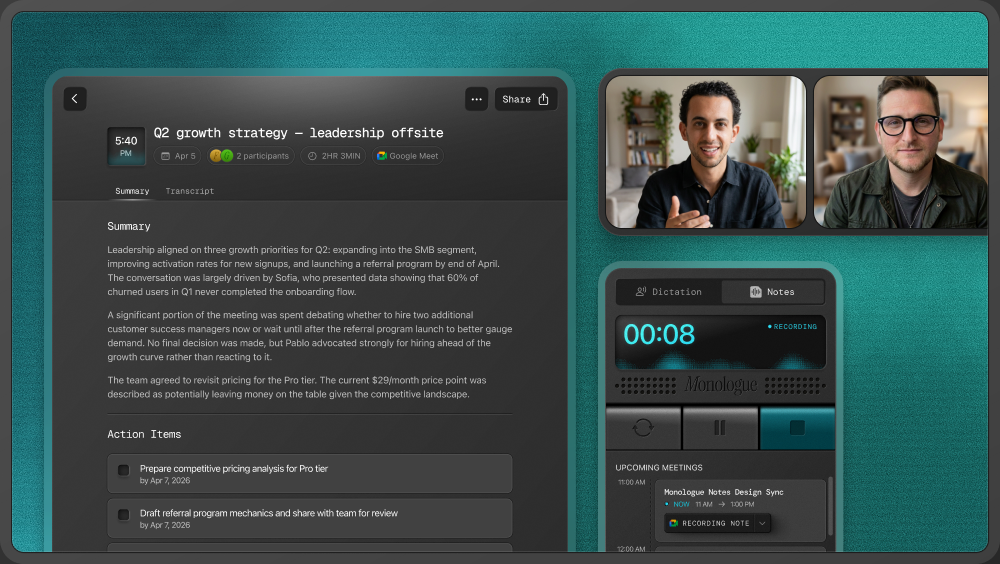
Product work begins in many places: a customer call, a planning meeting, a half-formed idea, or a problem you notice while using the product. Monologue gives you a quick way to capture the context before turning it into something your team can act on.
Talk through the problem, user, scope, constraints, open questions, and success criteria. Monologue turns the explanation into structured text you can refine in your document or product tool.
Record customer conversations on Mac without adding a bot to the meeting. Return to the transcript and summary when you need the customer’s language, recurring problems, or missing context.
Dictate roadmap rationale, handoffs, launch notes, stakeholder updates, and feedback while the reasoning is still fresh.
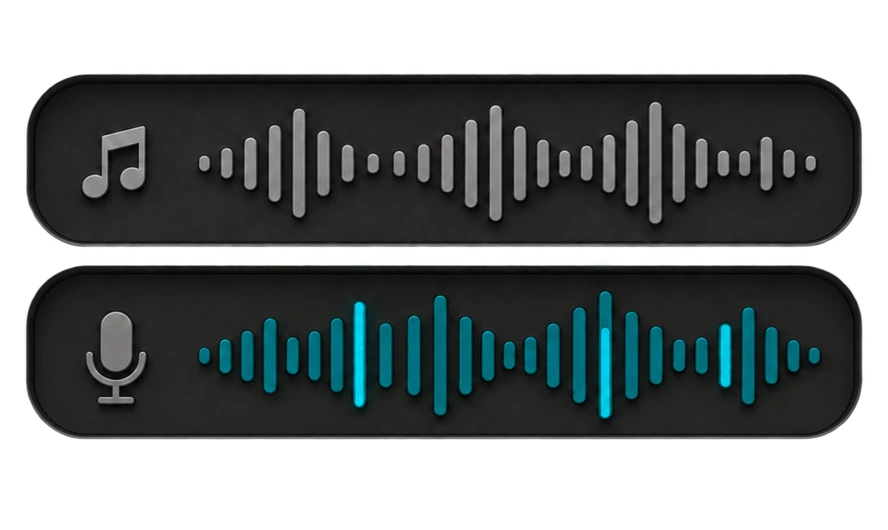
“The problem is that new teams reach the workspace but do not know what to do first. We should guide them to create one project and invite a teammate. Keep the first version lightweight, and measure whether more teams complete both actions in their first session.”
Problem: New teams reach the workspace but do not know what to do first.
First version: Guide teams to create one project and invite a teammate.
Constraint: Keep the first version lightweight.
Success measure: Whether more teams complete both actions in their first session.
Teach Monologue the feature names, customer names, acronyms, and internal terms you use in briefs and updates.
Change a requirement or correct a phrase as you speak. Monologue can keep the final wording rather than leaving the discarded version in your brief.
Use modes and custom instructions to shape dictated text for a product brief, a concise stakeholder update, or a detailed issue. Describe the headings and writing style you want; review the result before sharing.
Dictate briefs in Google Docs or Notion, issues in Linear, updates in Slack, and follow-ups in email. Select the field where you would normally type. Capture interviews and planning conversations in Notes on Mac, or save an idea from your iPhone, iPad, or Apple Watch.



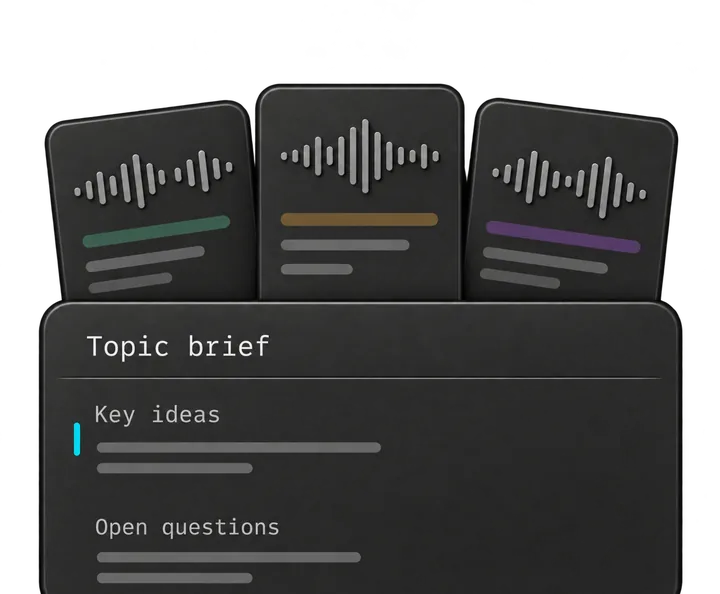
Connect saved Monologue Notes to supported AI tools through MCP, API, or CLI. An agent can retrieve relevant interviews or meeting notes and use them as context for a brief, synthesis, or follow-up.
“Find my recent onboarding interviews. Group the recurring sources of friction, show which notes each theme came from, and draft a problem statement with the unanswered questions.”
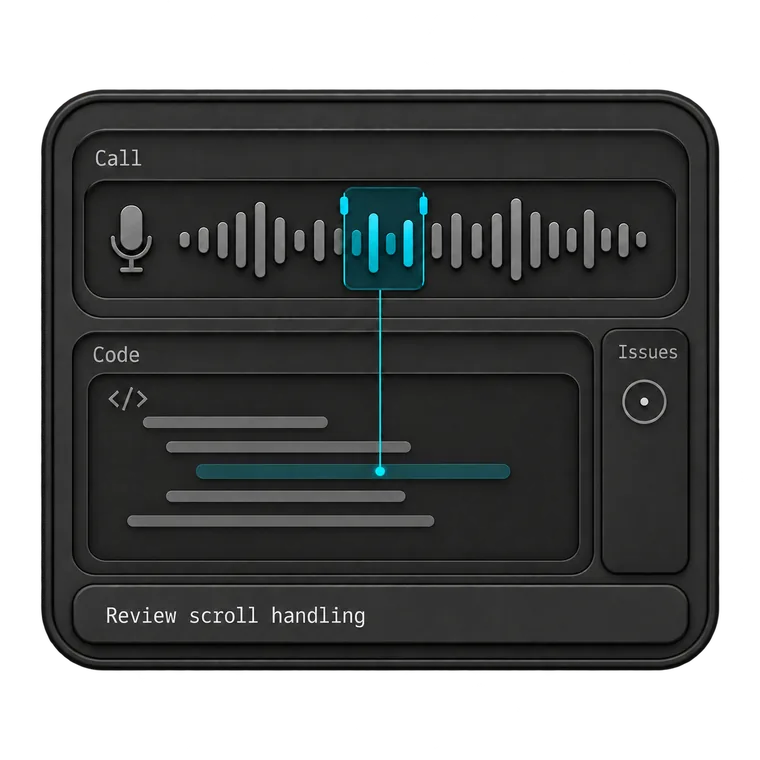
Give your coding agent the full context. Dictate prompts, describe bugs, and explain the changes you want to make.
Explore Monologue for developers
Start with what you want to say. Dictate first drafts, capture ideas on a walk, and return to recorded interviews as you write.
Explore Monologue for writers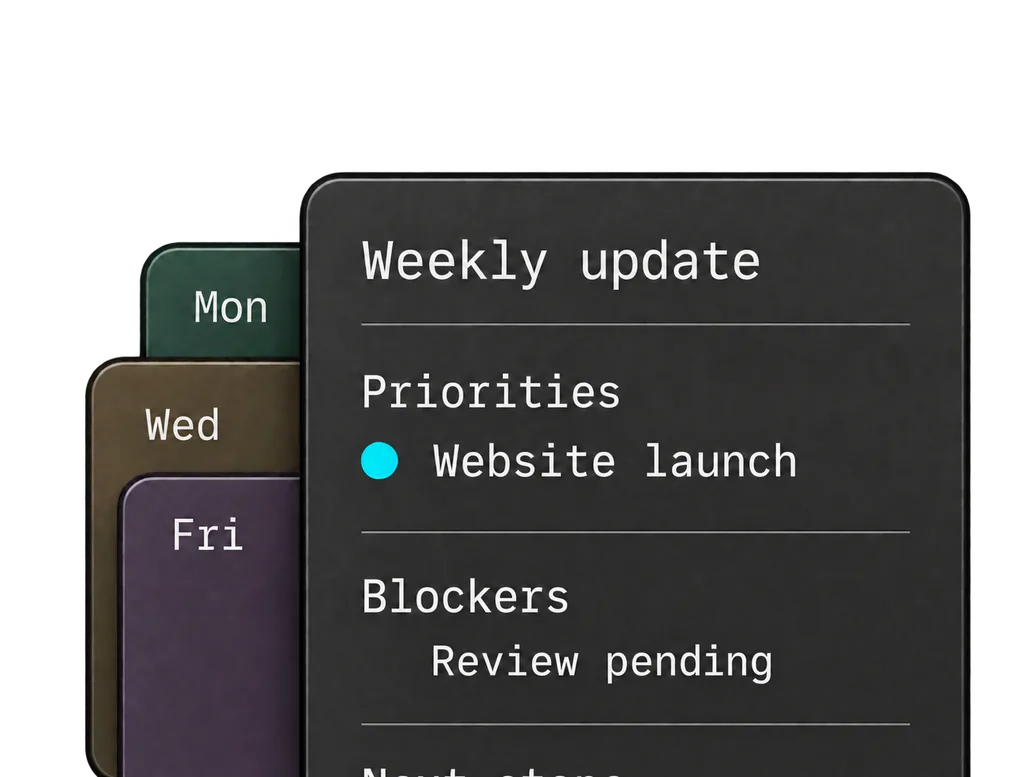
Dictate team updates, record decisions, and talk through ideas between meetings. Get your thinking down while it’s fresh.
Explore Monologue for founders and leaders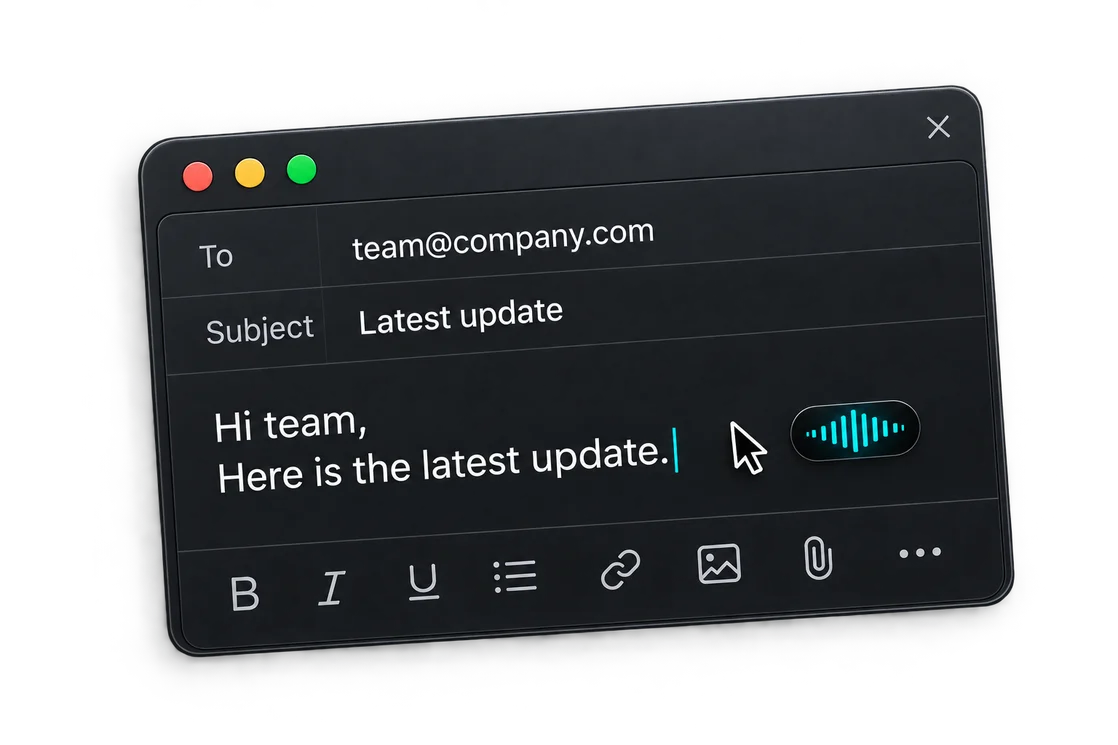
Capture support calls, dictate replies, and leave clear handoffs. Return to what the customer said when you need the details.
Explore Monologue for customer supportYes. You can dictate the problem, context, constraints, and desired outcome directly into your writing tool. Monologue structures the speech into usable text, which you should review and refine before sharing.
Yes. On Mac, Monologue can capture your microphone and system audio after you grant permission, so no separate participant needs to join the call.
Yes. After setup, supported tools can retrieve saved Notes through MCP, API, or CLI. Access is read-only, so the connected tool can use the notes as context without changing them.
Dictate your next brief, issue, or follow-up where you already work.