

Superwhisper
Local voice models offline on Mac, Windows and iPhone. Cloud on Android.
Superwhisper and Wispr Flow both dictate into any app. They differ most on where your speech is processed. Here is how they compare, and where Monologue fits for Mac and offline dictation.
Last reviewed
Superwhisper is stronger for offline models, control over every setting, and price. Wispr Flow is stronger for cloud dictation that learns your words, with shared team dictionaries. Both run on Windows and Android. On a Mac and iPhone, Monologue dictates offline on Apple silicon and keeps voice and meeting notes in the same app.
Last reviewed
Offline dictation and full control
Dictation with your choice of local or cloud voice and AI models, custom prompts, and your own API keys.
Free tier. Pro is US$8.49 a month, US$84.99 a year, or US$249.99 once.
Cloud dictation that learns your words
Cloud dictation that adds your corrections to your dictionary, with snippets, styles, and Notetaker for meetings.
Free plan with weekly limits. Pro is US$15 per user a month, or US$12 billed annually.
Offline Mac dictation with notes
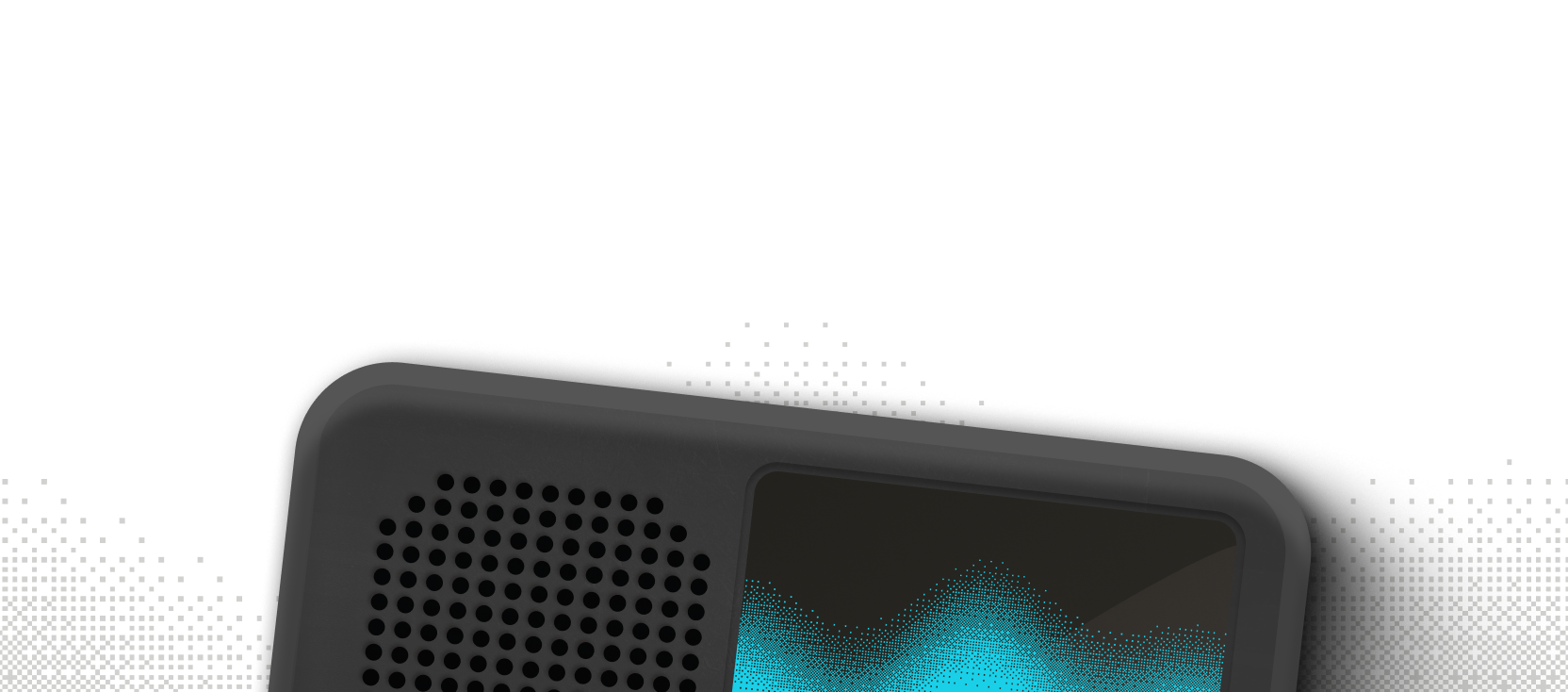
Offline dictation on Apple silicon Macs, with voice notes and bot-free meeting notes in the same app.
Free trial, then US$15 a month or US$12 billed annually.
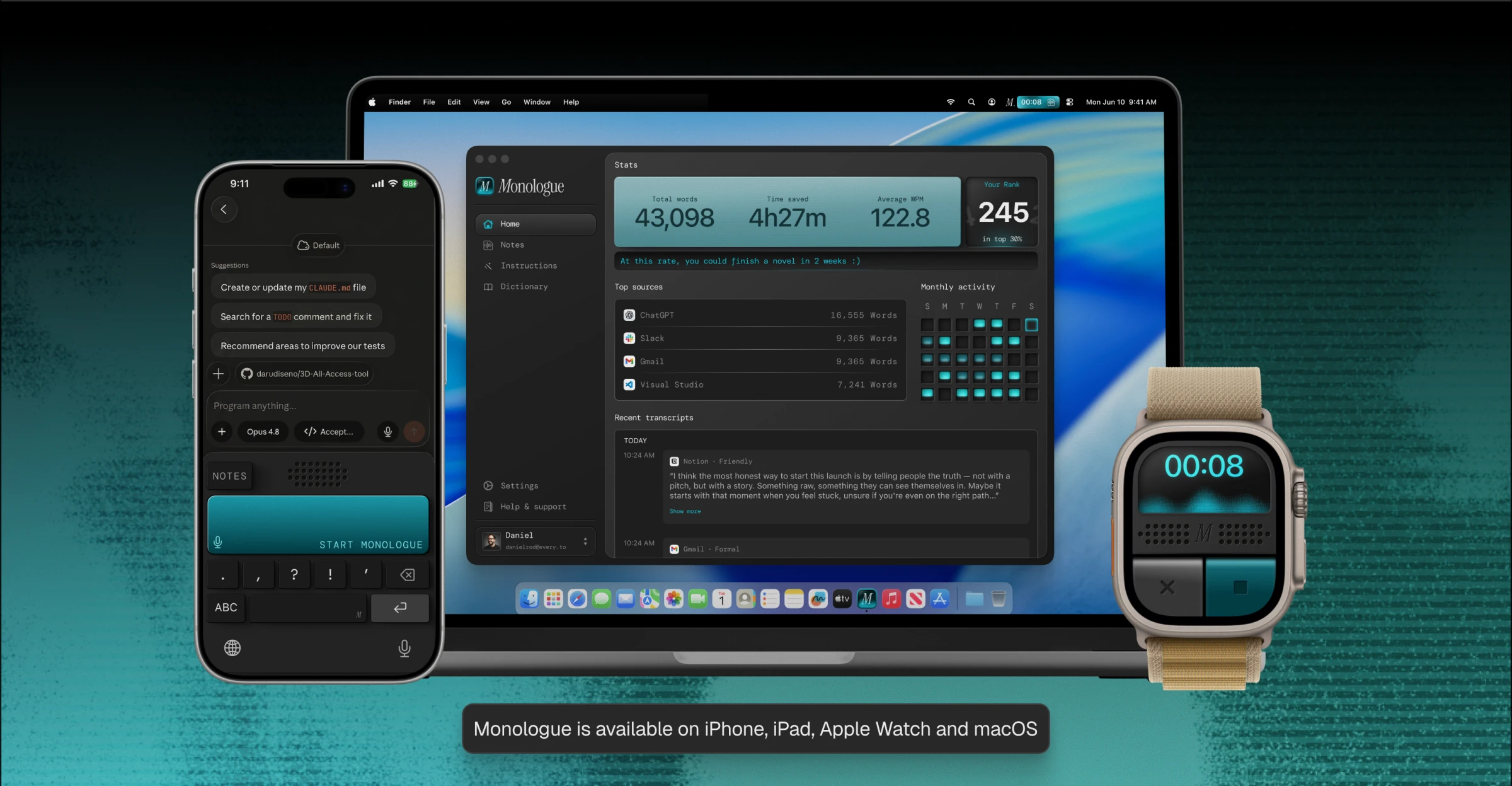
Monologue dictates offline on Apple silicon Macs, keeps voice and meeting notes in one place, and runs on iPhone, iPad, and Apple Watch.
| Feature | Monologue | Superwhisper | Wispr Flow |
|---|---|---|---|
| Dictation in any app | Yes — available | Yes — available | Yes — available |
| Offline dictation on Apple silicon Macs | Yes — available | Yes — available | No — not available |
| Bot-free meeting notes | Yes — available | Yes — available | Yes — available |
| Apple Watch app | Yes — available | No — not available | No — not available |
| Audio and video file transcription | No — not available | Yes — available | No — not available |
| Windows and Android apps | No — not available | Yes — available | Yes — available |
| What it costsSuperwhisper Pro is US$8.49 a month. Wispr Flow Pro is US$15 a month, or US$12 billed annually. Monologue starts with a free trial of 1,000 dictation words and 10 recorded notes. Monologue Pro is $15/month billed monthly, or $144/year billed annually ($12/month equivalent, save 20%). | |||
Product details and plan limits can change. Verify hard requirements before purchasing or deploying.
| Criterion | Superwhisper | Wispr Flow | Monologue |
|---|---|---|---|
| Platforms | Mac, Windows, iPhone, iPad, and Android | Mac, Windows, iPhone, and Android | Mac, iPhone, iPad, and Apple Watch |
| Offline dictation | Local voice models work offline on Mac, Windows, and iPhone; offline AI formatting needs its S1-mini model | No — transcription needs an internet connection | On-device and offline on Apple silicon Macs; cloud processing is also available |
| Languages | 100+ | 100+ | 100+ |
| Custom words | Custom vocabulary and text replacements | Learns your names and jargon; dictionary and snippets | Custom dictionary synced across Apple devices |
| Formatting control | Built-in and custom modes, with your own prompts, models, and API keys | Styles for each kind of app, snippets, and smart formatting | Built-in and custom modes, app and website triggers, and DeepContext |
| Meeting notes | Meetings on Mac, with speaker labels and fully offline models available | Notetaker on Mac, Windows, and iPhone | Microphone and system-audio capture, speaker separation, summaries, action items, and sync |
| File transcription | Audio and video files on Pro | Not offered | No dedicated file-upload workflow |
| Agent access | CLI and MCP for local dictation history | MCP for Notetaker meetings | Notes through MCP, API, and CLI |
| Privacy | Fully local setup available; history stays on your device | Cloud processing; Privacy Mode and data-storage controls | Local Mac option; Monologue does not save dictation audio or transcripts on its servers; Notes are stored to sync |
| Security / compliance | SOC 2 Type II and HIPAA; SSO on Enterprise | SOC 2 Type II and ISO 27001; SSO and a HIPAA BAA on Growth | Local Mac processing and secure Notes sync. Public SOC 2, ISO 27001, SSO, and HIPAA details are not currently listed |
| Free | Free tier with no end date, plus 3,000 words of Pro to try | Free plan with a weekly word limit | Free trial: 1,000 dictation words and 10 recorded notes in total, including bot-free meeting notes |
| Pricing | Pro US$8.49/month or US$84.99/year; lifetime license US$249.99 | Pro US$15/user/month, or US$12/user/month billed annually | US$15/month or US$12/month billed annually |
Superwhisper and Monologue both dictate offline on Apple silicon Macs. Wispr Flow does not: its help center says transcription needs an internet connection.
Local voice models offline on Mac, Windows and iPhone. Cloud on Android.
Cloud only. Failed recordings can be retried once you reconnect.
Local model offline on Apple silicon Macs, with cloud processing when you want it.
Superwhisper's local voice models also run on Windows and iPhone. Offline AI formatting needs its local S1-mini model, and it says Intel Macs work best with cloud models. On Android it uses the cloud.
Monologue's local model runs on Apple silicon Macs, and you can switch to cloud processing when you want it. Cloud dictation audio is deleted straight away.
Wispr Flow processes every dictation in the cloud. If the connection drops, it can keep the recording so you can retry once you are back online.
All three dictate into any app on Mac and iPhone. Superwhisper gives you the most settings, Wispr Flow learns your words automatically, and Monologue keeps dictation, voice notes, and meeting notes together on Mac, iPhone, iPad, and Apple Watch.
Superwhisper's modes let you pick the voice model, AI model, and prompt for each kind of writing, and switch modes automatically by app.
Wispr Flow adds a corrected spelling to your dictionary and lets you set a style for email, chat, and other apps.
Monologue modes switch by app or website on Mac, and DeepContext can use what is on screen to get names right.
Superwhisper Pro costs less: US$8.49 a month, US$84.99 a year, or US$249.99 once. Wispr Flow Pro is US$15 per user a month, or US$12 billed annually, and includes Notetaker.
Free with no end date. Local Whisper models, dictation in any app, and Meetings on Mac.
US$8.49 a month, US$84.99 a year, or US$249.99 once. Cloud and local AI models and file transcription.
Free. Dictation and Notetaker with weekly limits, on Mac, Windows, iPhone and Android.
US$15 per user a month, or US$12 billed annually. Unlimited dictation and Notetaker history.
US$15 a month, or US$12 billed annually, after a free trial of 1,000 words and 10 notes. Dictation, voice notes and meeting notes on Mac, iPhone, iPad and Apple Watch.
Superwhisper's free tier has no end date and runs local Whisper models. New users also get 3,000 words of Pro to try, and Pro covers Mac, Windows, iOS, and Android with one license.
Wispr Flow's free plan has a weekly word limit. Growth adds SSO and a HIPAA BAA at US$23 per user a month, or US$18 billed annually.
Both run on Windows and Android. Superwhisper uses a floating record button on Android, and one Pro license covers all its platforms. Wispr Flow uses the Flow Bubble. Monologue is not on Windows or Android.
Both Android apps need Android 13 or later and insert text into the field you are using.
If you work across a Mac and a Windows PC, or carry an Android phone, Superwhisper and Wispr Flow cover that and Monologue does not.
Superwhisper runs local voice models on Mac, Windows, and iPhone. Wispr Flow transcribes everything in the cloud. Monologue runs a local model on Apple silicon Macs, with cloud processing when you want it.
Superwhisper lets you pick models, write prompts, and bring your own API keys. Wispr Flow learns from your corrections instead. Monologue uses modes that switch by app or website.
Superwhisper and Wispr Flow both cover Windows and Android. Monologue covers Mac, iPhone, iPad, and Apple Watch.
Superwhisper Meetings runs on Mac and can stay offline. Wispr Notetaker runs on Mac, Windows, and iPhone. Monologue keeps meeting notes with your voice notes and syncs them to iPhone and iPad.
Superwhisper offers a lifetime license. Wispr Flow and Monologue are subscriptions, each with a free way to start.
A one-time purchase, with Pro at €65 for one personal license. It transcribes audio files and dictates on your Mac, all on the device.
Monologue adds an iPhone keyboard for dictating in any app, an Apple Watch app, and notes your AI tools can read through MCP.
Open source on GitHub, with a one-time license from US$25 for one Mac. It runs local models on Apple silicon Macs, and its iPhone and iPad app is free during its beta.
Monologue adds an Apple Watch app, meeting notes, and notes your AI tools can read through MCP, under one subscription for all your Apple devices.
Free with local Whisper and Parakeet models or your own API keys. Pro is US$15 a month, and Local+ is US$39 once. It's on Mac, Windows, Linux, iPhone, iPad, Android and Apple Watch.
Monologue adds voice notes and bot-free meeting notes with speaker labels, which your AI tools can read through MCP, with no API keys to manage.
A free plan with 2,000 words, then unlimited words on Pro. Dictation runs in the cloud, on Mac, Windows, iPhone and Android.
Monologue adds offline dictation on Mac, an Apple Watch app, and personal notes that sync across your Apple devices.
Choose based on the devices you use and whether dictation or meetings come first.
Superwhisper fits people who want offline models on Mac, Windows, and iPhone, full control over prompts and models, file transcription, or a one-time license.
Wispr Flow fits people happy with cloud dictation who want it to learn their words as they go, and teams that need shared dictionaries or a HIPAA BAA.
If you work on a Mac and iPhone, Monologue gives you offline Mac dictation plus voice notes and meeting notes in one app.

Run the same real-world tasks in each app before committing.
No. Wispr Flow transcribes in the cloud, so it needs an internet connection. Superwhisper's local models work offline on Mac, Windows, and iPhone, and Monologue dictates offline on Apple silicon Macs.
Superwhisper and Monologue both dictate offline on Apple silicon Macs; Wispr Flow does not. Superwhisper lets you choose among local models, and Monologue adds voice notes, meeting notes, and apps for iPad and Apple Watch.
Yes. Superwhisper Pro is US$8.49 a month, US$84.99 a year, or US$249.99 once. Wispr Flow Pro is US$15 a month, or US$12 billed annually. Monologue Pro is US$15 a month, or US$12 billed annually.
Yes. Superwhisper for Android is on Google Play, needs Android 13 or later, and dictates through a floating record button. Wispr Flow is on Android too. Monologue is not.
Yes. Superwhisper Meetings runs on Mac with no bot and can process meetings offline. Wispr Notetaker runs on Mac, Windows, and iPhone. Monologue takes bot-free meeting notes on Mac and keeps them with your voice notes.
Superwhisper Pro transcribes audio and video files. Wispr Flow and Monologue do not have a file-upload workflow.
MacWhisper is a one-time purchase focused on transcribing audio files on your Mac, with dictation too, all on the device. Superwhisper and Wispr Flow are built around dictation in any app, on more platforms.
Superwhisper runs on iPad. Wispr Flow has no iPad or Apple Watch app. Monologue runs on both, as well as Mac and iPhone.
Dictate offline on your Mac, then capture a note or a meeting and see it on your iPhone.