
Granola
Your typed notes plus the transcript, templates, shared spaces and folders. Apps on Mac, Windows, iPhone, Android and Apple Watch.
Granola started with meeting notes and added Voice Typing. Wispr Flow started with dictation and added Notetaker. Here is how they compare, and where Monologue fits if you work on a Mac and iPhone.
Last reviewed
Granola is stronger for shared meeting notes, templates, and integrations. Wispr Flow is stronger for dictation on every platform, including Windows and Android. Monologue does both in one app on Mac, iPhone, iPad, and Apple Watch, and dictates offline on Apple silicon Macs.
Last reviewed
Teams whose work happens in meetings
A meeting notepad that writes structured notes around what you type during the call. Voice Typing, a free dictation beta, now types into other apps too.
Basic is free. Business is US$14 per user a month.
Dictation on every computer and phone
Cloud dictation that learns your names and jargon. Notetaker, added in August 2026, records meetings in the same app.
Free plan with weekly limits. Pro is US$15 per user a month, or US$12 billed annually.
Dictation and meeting notes on Apple devices
One app for dictation, voice notes and bot-free meeting notes, with offline dictation on Apple silicon Macs.
Free trial, then US$15 a month or US$12 billed annually.
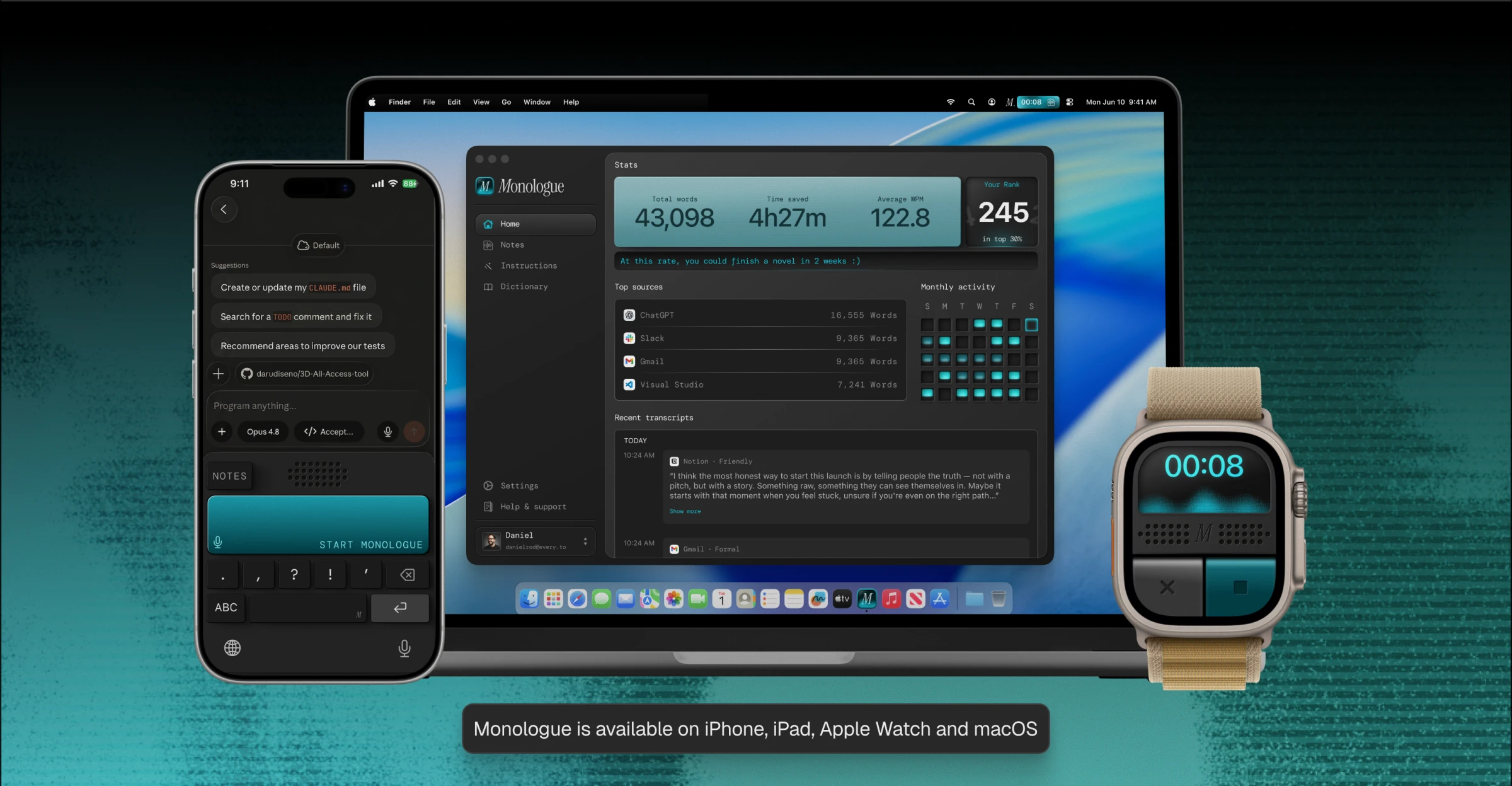
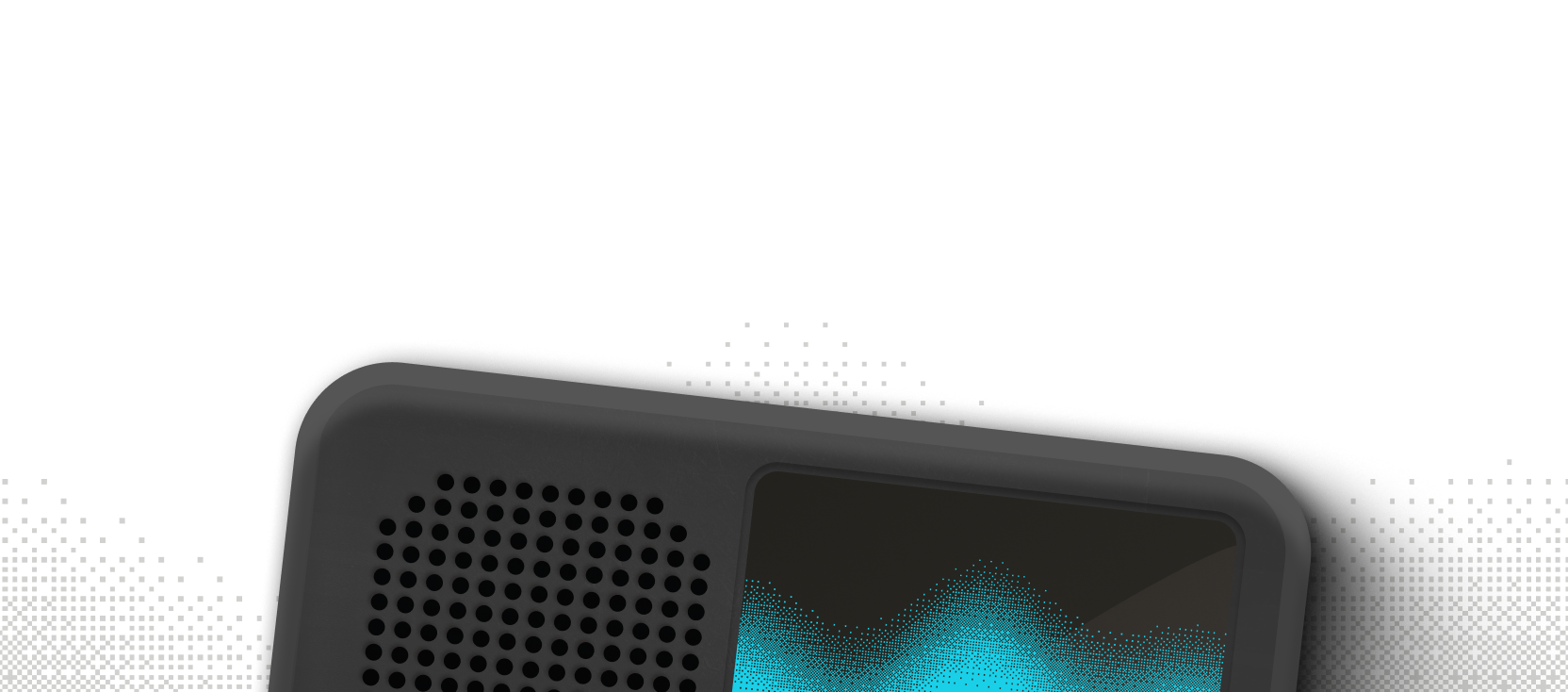
Monologue dictates in any app and takes bot-free meeting notes, with offline dictation on Mac and apps for iPhone, iPad, and Apple Watch.
| Feature | Monologue | Granola | Wispr Flow |
|---|---|---|---|
| Dictation in any app | Yes — available | Yes — available | Yes — available |
| Bot-free meeting notes | Yes — available | Yes — available | Yes — available |
| Offline dictation on Mac | Yes — available | No — not available | No — not available |
| Apple Watch app | Yes — available | Yes — available | No — not available |
| iPad app | Yes — available | No — not available | No — not available |
| Windows and Android apps | No — not available | Yes — available | Yes — available |
| What it costsGranola Business is US$14 per user a month. Wispr Flow Pro is US$15 a month, or US$12 billed annually. Monologue starts with a free trial of 1,000 dictation words and 10 recorded notes. Monologue Pro is $15/month billed monthly, or $144/year billed annually ($12/month equivalent, save 20%). | |||
Product details and plan limits can change. Verify hard requirements before purchasing or deploying.
| Criterion | Granola | Wispr Flow | Monologue |
|---|---|---|---|
| Built around | Meeting notes, with Voice Typing added as a free beta | Dictation, with Notetaker added for meetings | Dictation, voice notes, and bot-free meeting notes in one app |
| Platforms | Mac, Windows, iPhone, Android, and Apple Watch | Mac, Windows, iPhone, and Android | Mac, iPhone, iPad, and Apple Watch |
| Dictation in any app | Voice Typing, a free beta on Mac, Windows, and iPhone | Yes, on Mac, Windows, iPhone, and Android | Yes, on Mac and through the iOS keyboard |
| Offline dictation | No — Voice Typing sends audio to its transcription providers | No — transcription needs an internet connection | On-device and offline on Apple silicon Macs; cloud processing is also available |
| Meeting notes | Bot-free capture from device audio, with your own notes, templates, shared spaces, and chat | Notetaker: bot-free on Mac, Windows, and iPhone, with speaker names and summaries | Microphone and system-audio capture, speaker separation, summaries, action items, and sync |
| Custom words | Voice Typing dictionary of up to 300 terms; learns from your spelling fixes | Learns your names and jargon; dictionary and snippets | Custom dictionary synced across Apple devices |
| Languages | Meeting notes in 31 languages on desktop and 17 on mobile | Dictation in 100+; Notetaker in 21 | 100+ |
| Team sharing | Team Space, custom spaces and folders; workspace dictionary on Business | Share meeting by meeting; shared dictionary and snippets on Pro | Share links for notes; dictionaries stay per person |
| AI tools and API | MCP on every plan (Basic: your notes from the last 30 days); API on Business | Notetaker meetings in Claude, ChatGPT, and other MCP tools | Notes through MCP, API, and CLI |
| Free | Basic: unlimited meetings, 30 days of history, and Voice Typing | Free plan with weekly limits on dictation and Notetaker | Free trial: 1,000 dictation words and 10 recorded notes in total, including bot-free meeting notes |
| Pricing | Business US$14/user/month; Enterprise US$35/user/month | Pro US$15/user/month, or US$12/user/month billed annually | US$15/month or US$12/month billed annually |
| Security / compliance | SOC 2 Type II; SSO and HIPAA workspaces on Enterprise | SOC 2 Type II and ISO 27001; SSO and a HIPAA BAA on Growth | Local Mac processing and secure Notes sync. Public SOC 2, ISO 27001, SSO, and HIPAA details are not currently listed |
Both record meetings from your device with no bot in the call. Granola is built around the meeting, with your own notes, templates, and shared spaces. Wispr Notetaker runs on Mac, Windows, and iPhone, and uses your Wispr Flow dictionary and calendar to spell names.
Your typed notes plus the transcript, templates, shared spaces and folders. Apps on Mac, Windows, iPhone, Android and Apple Watch.
Speaker names from your calendar and dictionary, mid-call recaps, and Granola import. On Mac, Windows and iPhone.
Microphone and system audio on Mac, speaker separation, summaries and action items, next to your voice notes.
Granola combines what you type during the call with the transcript, then writes structured notes. Teams organise notes into shared spaces and folders, and Business adds integrations with Notion, HubSpot, Attio, Affinity, and Zapier.
Wispr Notetaker names speakers from your calendar invite and the conversation, can recap the last few minutes mid-call, and is included in the same plan as Wispr Flow dictation. It can import your Granola history, and it is not on Android yet.
Monologue records your microphone and system audio on Mac with no bot, separates speakers, and writes summaries and action items. Meeting notes sit next to your voice notes and sync to iPhone, iPad, and the web.
Dictation is Wispr Flow's core product, on Mac, Windows, iPhone, and Android in more than 100 languages. Granola Voice Typing is a free beta on Mac, Windows, and iPhone, included on every plan. Neither dictates offline.
Granola Voice Typing pastes cleaned-up text where your cursor is. It removes filler words, adds punctuation and lists, matches the app you are writing in, and can learn a name when you fix its spelling. A single dictation can run up to 20 minutes.
Wispr Flow learns your names and jargon, keeps a personal dictionary and snippets, and lets you set a style for each kind of app. Its free plan has a weekly word limit that Pro removes.
Monologue dictates into any app on Mac and through the iOS keyboard. It works offline on Apple silicon Macs, uses a custom dictionary that syncs across your Apple devices, and switches modes by app or website.
Both have a free plan. Granola Business is US$14 per user a month. Wispr Flow Pro is US$15 per user a month, or US$12 billed annually, and covers dictation and Notetaker together.
Free. Unlimited meetings, 30 days of history, Voice Typing, and MCP for your recent notes.
US$14 per user a month. Full history, integrations, API access, and centralized billing.
Free. Dictation and Notetaker with weekly limits, on Mac, Windows, iPhone and Android.
US$15 per user a month, or US$12 billed annually. Unlimited dictation and Notetaker history.
US$15 a month, or US$12 billed annually, after a free trial of 1,000 words and 10 notes. Dictation, voice notes and meeting notes on Mac, iPhone, iPad and Apple Watch.
Granola's Basic plan records unlimited meetings and includes Voice Typing, but shows only the last 30 days of notes. Enterprise starts at US$35 per user a month and adds SSO and HIPAA workspaces.
Wispr Flow's free plan has weekly limits on dictation and Notetaker. Growth adds SSO and a HIPAA BAA at US$23 per user a month (US$18 billed annually), or US$33 (US$26) with unlimited Notetaker.
All three connect saved notes to AI assistants through MCP. Granola limits its free plan to your own notes from the last 30 days, Wispr Flow includes Notetaker meetings on its free plan, and Monologue adds a Notes API and CLI.
Granola Business opens your full history and public workspace notes to MCP, and adds API access.
Wispr Flow's MCP connection covers Notetaker meetings, not your dictation history.
Monologue's MCP server reads your notes, and can turn public share links on or off when you allow it. The Notes API and CLI are read-only.
Granola is built around the meeting and added Voice Typing in October 2026. Wispr Flow is built around dictation and added Notetaker in August 2026. Monologue was built for both, alongside voice notes.
Wispr Flow dictates on Mac, Windows, iPhone, and Android. Granola's meeting apps add Android and Apple Watch. Monologue covers Mac, iPhone, iPad, and Apple Watch, and not Windows or Android.
Granola and Wispr Flow both transcribe in the cloud. Monologue dictates offline on Apple silicon Macs.
Granola organises notes into shared spaces and folders. Wispr Flow shares meeting by meeting and gives teams one dictionary. Monologue shares notes by link.
Granola Business connects to Notion, HubSpot, Attio and Zapier. Wispr Flow and Monologue lean on MCP, and Monologue adds a Notes API and CLI.
A free plan with unlimited Whisper models, and Pro at US$8.49 a month. It's on Mac, Windows, iPhone and Android, and runs offline everywhere except Android.
Monologue adds an Apple Watch app and personal and meeting notes that sync across your Apple devices.
Free with local Whisper and Parakeet models or your own API keys. Pro is US$15 a month, and Local+ is US$39 once. It's on Mac, Windows, Linux, iPhone, iPad, Android and Apple Watch.
Monologue adds voice notes and bot-free meeting notes with speaker labels, which your AI tools can read through MCP, with no API keys to manage.
Free and built into every Mac, iPhone and iPad, and it works in any text field. It stops after 30 seconds of silence.
Monologue adds a custom dictionary, modes that format text for each app, and voice notes and meeting notes in the same app.
Choose based on the devices you use and whether dictation or meetings come first.
Granola fits teams whose work happens in meetings and who want shared spaces, templates, and CRM integrations. Voice Typing adds free dictation on top.
Wispr Flow fits people who dictate all day, need it on Windows or Android, and want meeting notes in the same plan.
If you work on a Mac and iPhone, Monologue gives you dictation, voice notes, and meeting notes in one app, with offline dictation on Mac.

Run the same real-world tasks in each app before committing.
Granola is a meeting notes app that added Voice Typing, a free dictation beta. Wispr Flow is a dictation app that added Notetaker for meetings. Granola goes deeper on shared meeting notes and integrations; Wispr Flow goes deeper on dictation across Mac, Windows, iPhone, and Android.
Yes. Granola Voice Typing types into any app, is free on every plan, and is in beta on Mac, Windows, and iPhone. Wispr Flow dictation also runs on Android and is its core product.
Yes. Wispr Notetaker records meetings on Mac, Windows, and iPhone with no bot in the call, and writes transcripts with speaker names and summaries. It is included in Wispr Flow's free and paid plans.
Both record from your device with no bot. Granola builds notes around what you type and adds shared spaces, templates, and integrations. Wispr Notetaker uses your dictionary and calendar for names and comes with Wispr Flow dictation. Granola has Android and Apple Watch apps; Notetaker does not yet.
Yes. Wispr Notetaker imports Granola's export, including notes, summaries, and transcript text.
Neither dictates offline: both send your audio to the cloud to transcribe it. Monologue dictates offline on Apple silicon Macs.
Granola has an Apple Watch app for starting meeting notes. Wispr Flow has no Apple Watch app. Monologue runs on Apple Watch as well as Mac, iPhone, and iPad.
Yes. Monologue dictates in any app, takes bot-free meeting notes and voice notes, and runs on Mac, iPhone, iPad, and Apple Watch. It is not on Windows or Android.
Granola Basic is free with 30 days of history; Business is US$14 per user a month. Wispr Flow has a free plan with weekly limits; Pro is US$15 per user a month, or US$12 billed annually. Monologue Pro is US$15 a month, or US$12 billed annually, after a free trial.
Dictate in the apps you use, then record a meeting and see both in one place on your Mac and iPhone.