
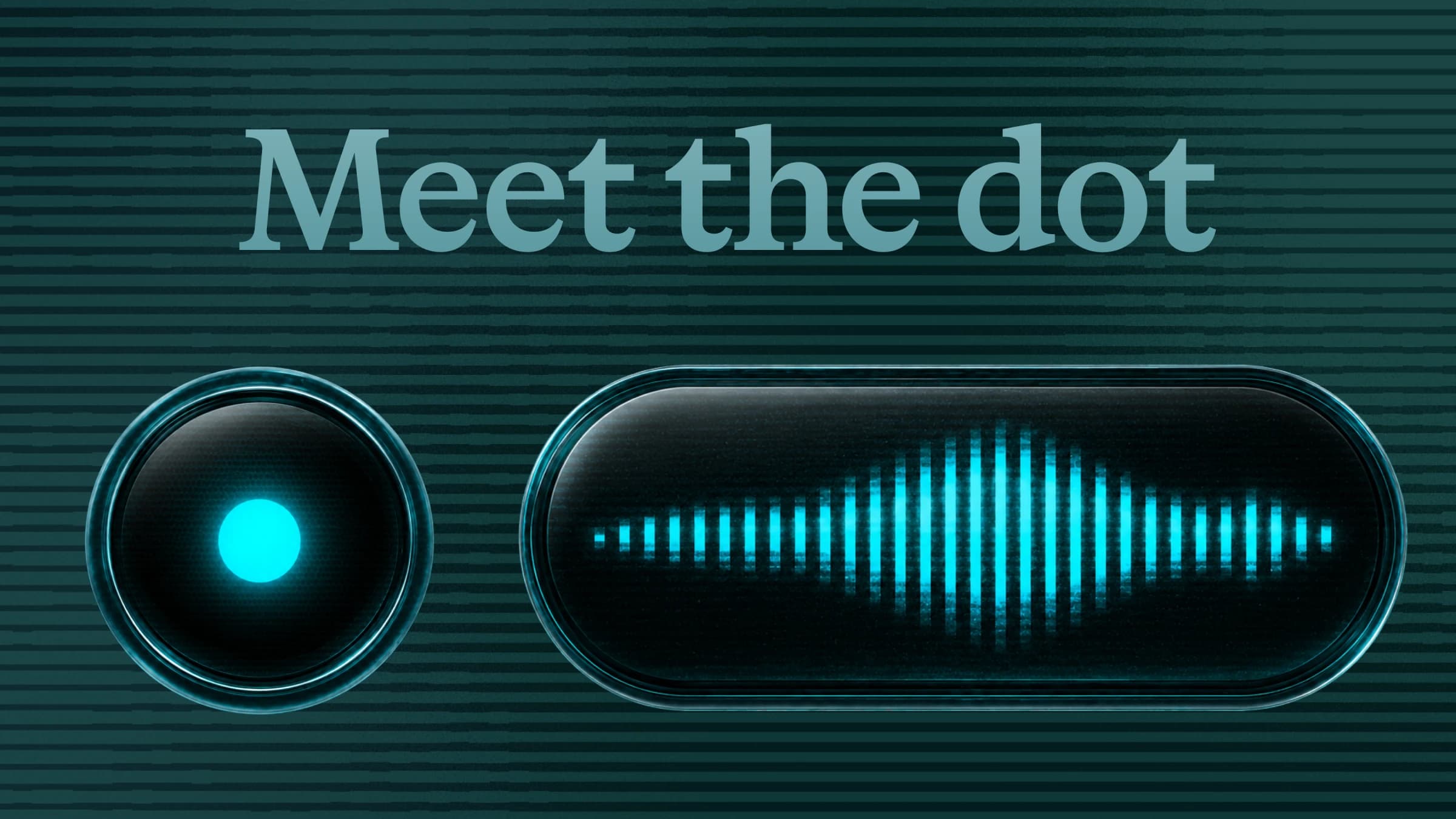
Meet Dot
Dot is a new recorder that stays close to where you’re writing and moves with you as you work.
- See where your text will appear: Dot sits beside the active writing field and shows when Monologue is listening and turning your speech into text.
- Move between apps: Switch apps while you record and Dot follows your pointer. Monologue remembers where you started and inserts the finished text there.
- Keep working without interruption: When you’re not recording, Dot stays out of the way.
- Choose what works for you: Hide Dot, turn it off in individual apps, or switch back to Classic at any time.
- Report placement issues: If Dot appears in the wrong place, click it and select “Report” so we can investigate and fix it.
To try Dot, update to Monologue for Mac v1.5.0 and go to Settings → Dictation → Indicator → Dot.
Improvements
- Save the original audio from a completed Note using the More menu.
- Choose a 30-minute, one-hour, two-hour, or three-hour recording limit for Notes. Monologue warns you before saving automatically.
- Home is now called Dictations, with clearer instructions.
- Recording starts more smoothly, and typing in the feedback form is faster.
Fixes
- Fixed Notes recording with multichannel microphones and audio interfaces, including Focusrite Vocaster devices.
- Fixed pasting and shortcuts across keyboard layouts and input methods.
- Removed unwanted spaces before dictated text.
- Fixed meeting detection for Google Meet Chrome apps.
- Fixed menu bar actions that open Settings, Help, microphone settings, and onboarding.
- Fixed Notes jumping in the list after returning from or deleting a note.